


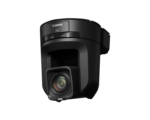


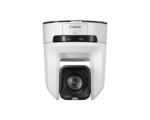
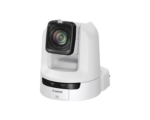
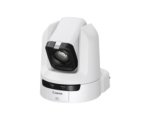
Total Video Inputs
8

Starting at $9,796.78
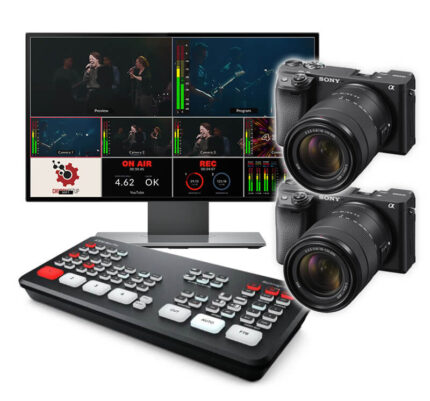
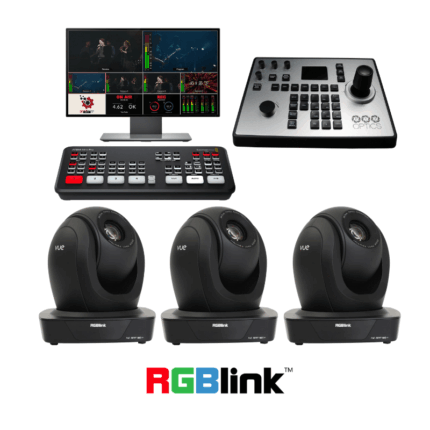
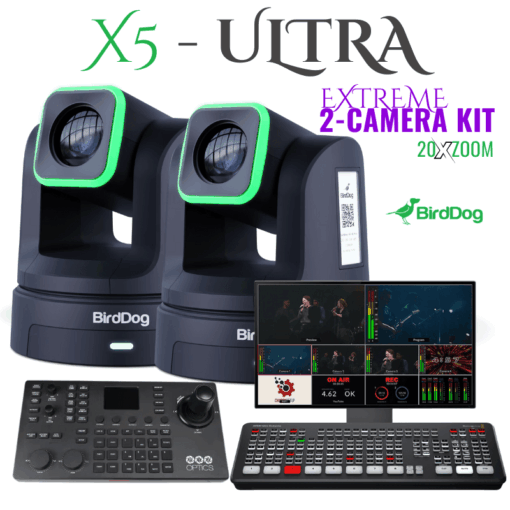
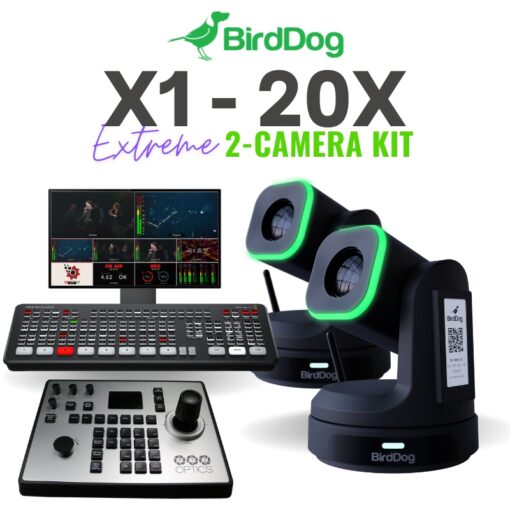
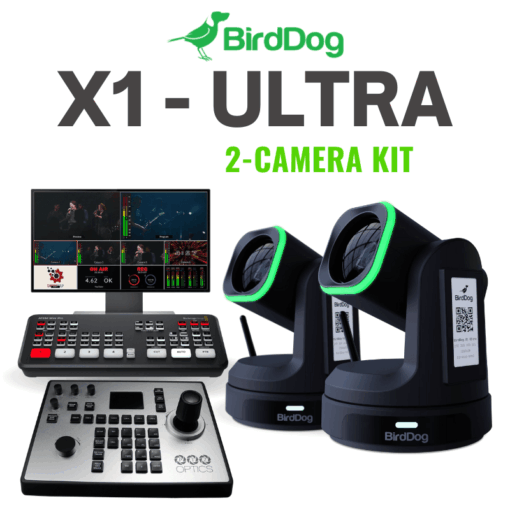
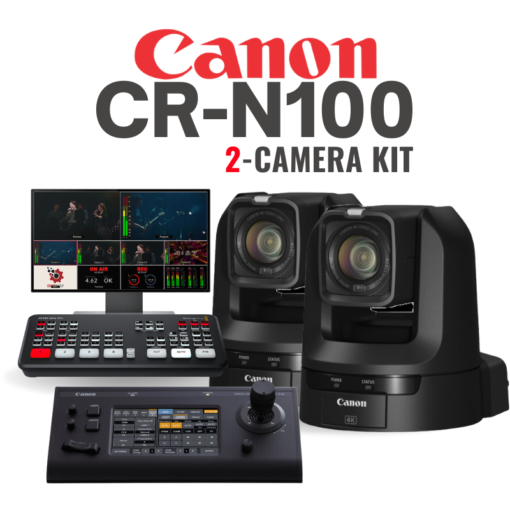
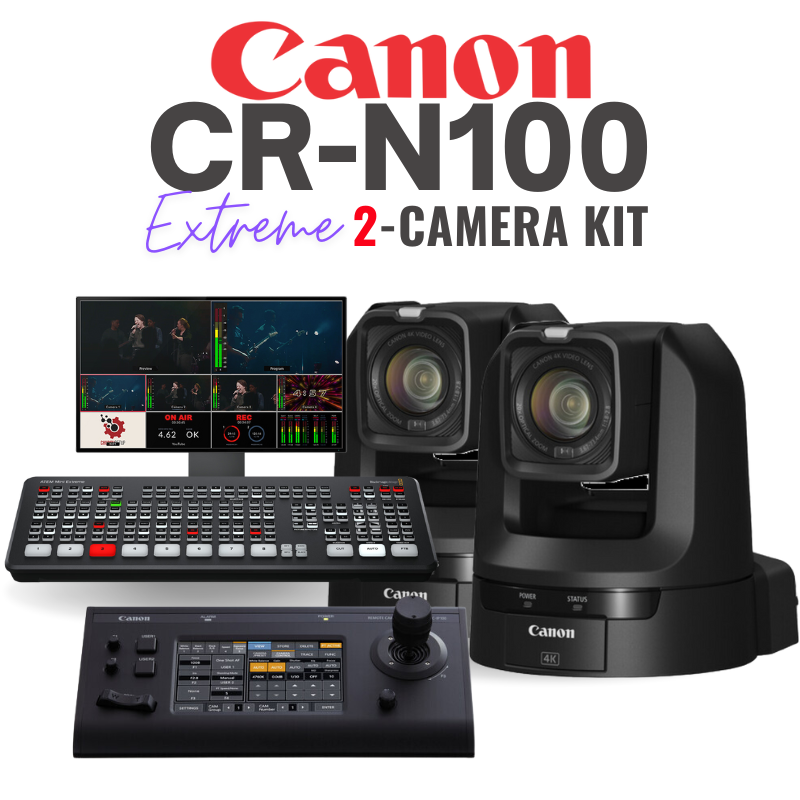
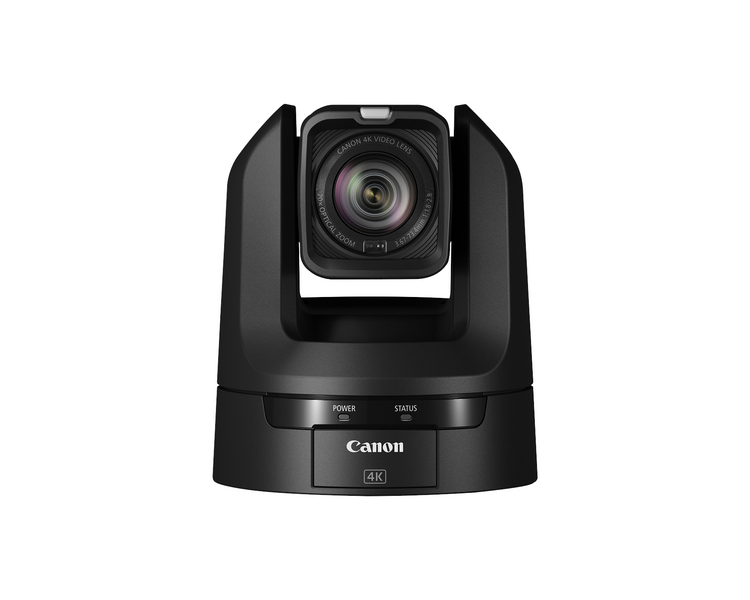
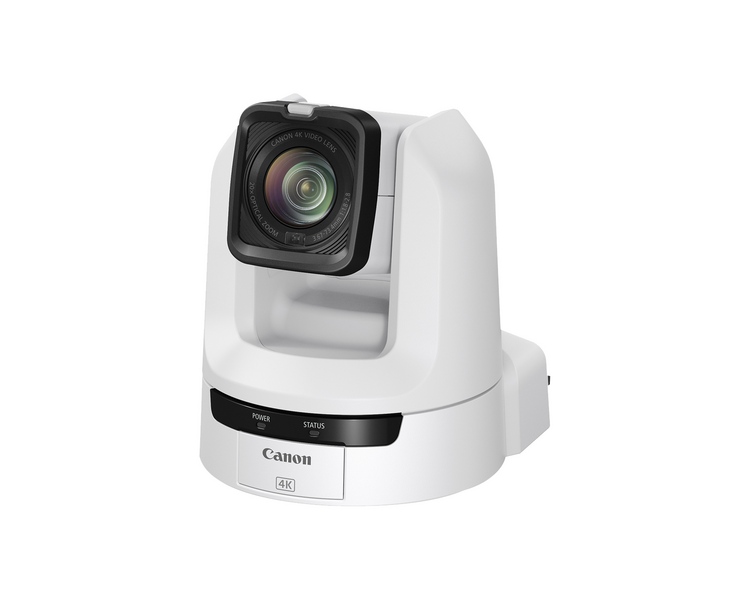
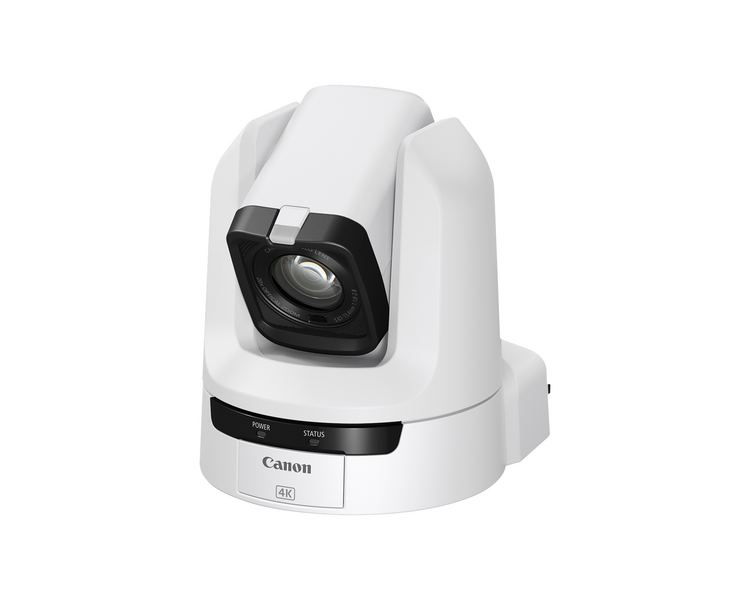
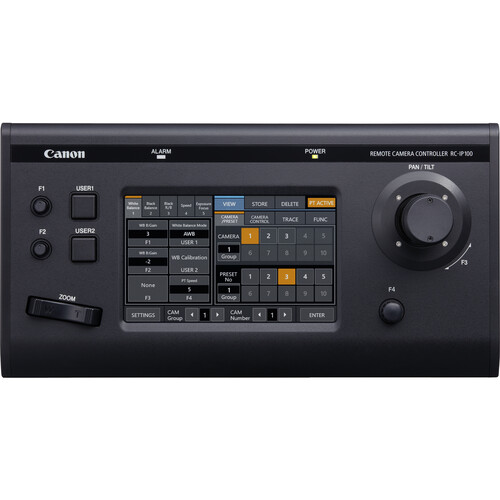
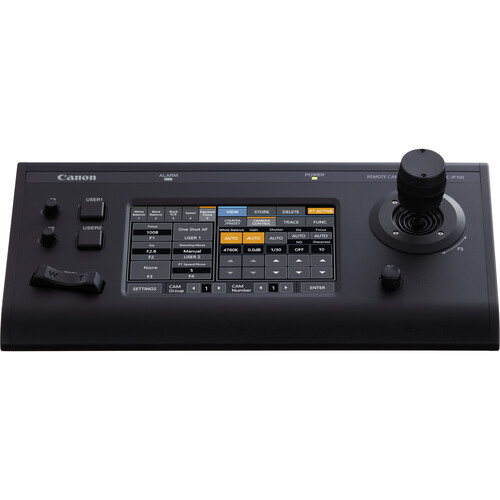
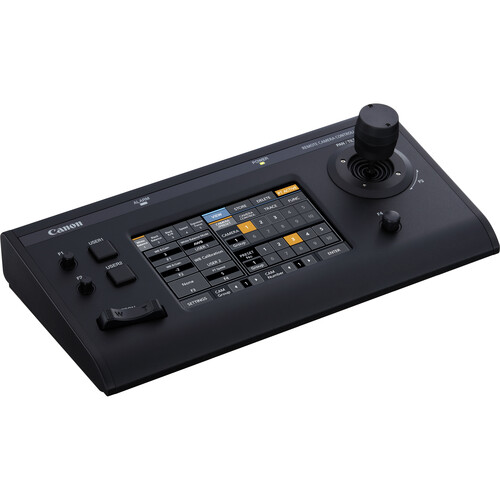
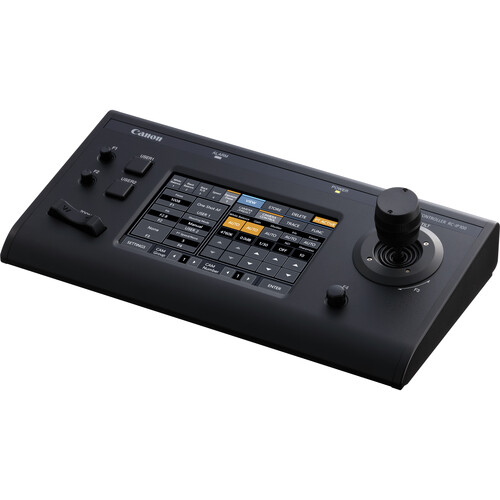
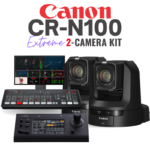
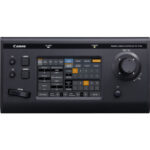
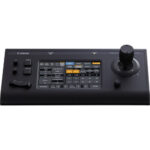
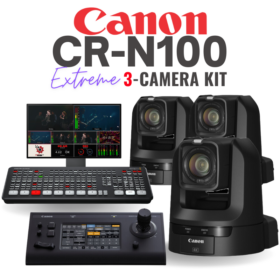
This streaming kit is the perfect blend of professional quality and affordability. The Canon PTZ cameras feature a high-quality sensor and amazing Canon color science. The kit includes everything you need to start streaming with remote-controlled Canon 4K PTZ cameras with 20X optical zoom. PTZ cameras allow a single volunteer to control the cameras remotely from a single location via a Joystick controller, a web-based control panel, or even a mobile device.
Note: The ATEM Mini Pro is a 1080P device, so the 4K image will get downsampled to 1080P.
This streaming kit is the perfect blend of professional quality and affordability. The Canon PTZ cameras feature a high-quality sensor and amazing Canon color science. The kit includes everything you need to start streaming with remote-controlled Canon 4K PTZ cameras with 20X optical zoom. PTZ cameras allow a single volunteer to control the cameras remotely from a single location via a Joystick controller, a web-based control panel, or even a mobile device.
Note: The ATEM Mini Pro is a 1080P device, so the 4K image will get downsampled to 1080P. However, the increased image quality with the 4K Sony sensor is apparent compared to the 1080P cameras.
Canon is known for its color science, making the image (especially skin tones) consistently beautiful. Canon’s dual-pixel autofocus engine is also the envy of the industry, pushing Sony to be the champion of all autofocus engines. And now Canon has pushed all of its power into the PTZ line of cameras which are perfect for churches and event venues that want a more premium, broadcast-quality video system.
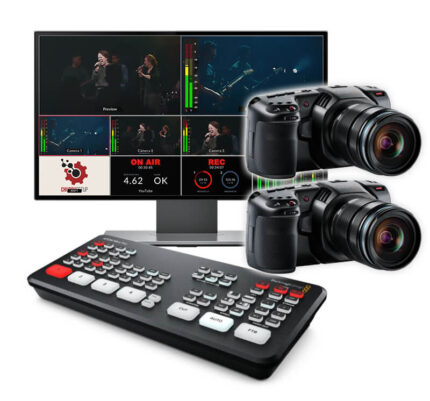
This kit includes everything you need to start streaming with remote-controlled 4K PTZ cameras with 15X optical zoom at up to 30 frames per second in 4K, 60fps in 1080.
PTZ cameras allow a single volunteer to control the cameras remotely from a single location via a Joystick controller, a web-based control panel, or even a mobile device.
Note: The ATEM Mini Pro is a 1080P device, so the 4K camera signal will get downsampled to 1080P.
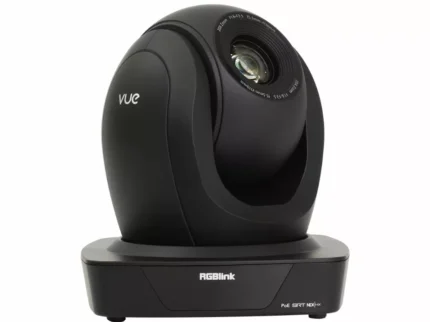
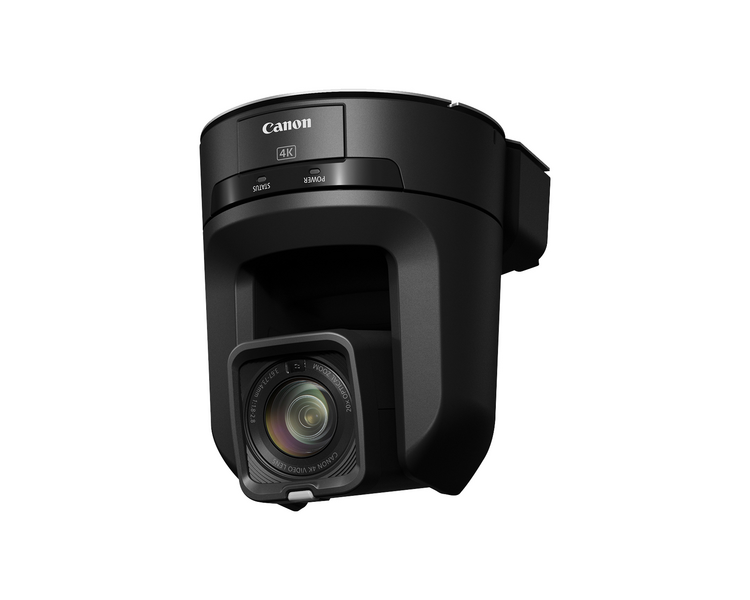
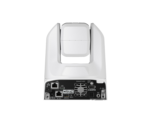
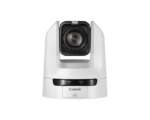
The CR-N100 PTZ camera produces outstanding image quality and is equipped with powerful features and functions in a cost-effective and compact form factor that can easily be placed in a variety of settings. Featuring a Canon 1/2.3″ CMOS image sensor capable of 4K UHD video capture at 30 fps, or up to 60 fps in Full HD mode, coupled with a 4K 20x optical zoom lens, the CR-N100 is a versatile tool for that can be utilized in many industries including House of Worship, Education, Broadcast, Corporate, Events and more.
1/2.3 Type CMOS Sensor
The CR-N100 features a Canon 1/2.3 Type 4K UHD CMOS image sensor capable of 4K UHD video capture at 30p up to 60fps in Full HD, making the PTZ camera a strong contender for professional productions.
DIGIC DV6 Image Processor
Canon’s DIGIC DV 6 Image Processor is essential in providing high image quality, advanced performance and convenient operability to the CR-N100. This advanced core technology component provides the image-processing power and speed that enables features such as 4K UHD video acquisition and precise Hybrid AF.
Over Sampling HD Processing
The full HD recording (over sampling HD processing) takes full advantage of the image information acquired by the 4K sensor to generate beautiful high-definition full HD video. This helps content creators produce stunningly detailed FHD video when utilizing the CR-N100.
Hybrid AF
The CR-N100 is equipped with “Hybrid AF” – an auto focus system that combines high-precision contrast AF technology and the high-speed phase-difference AF technology to confirm auto focus from the camera. This hybrid auto focus system helps achieve auto focus faster and more reliably compared to contrast auto focus alone.
Canon 4K UHD Lens
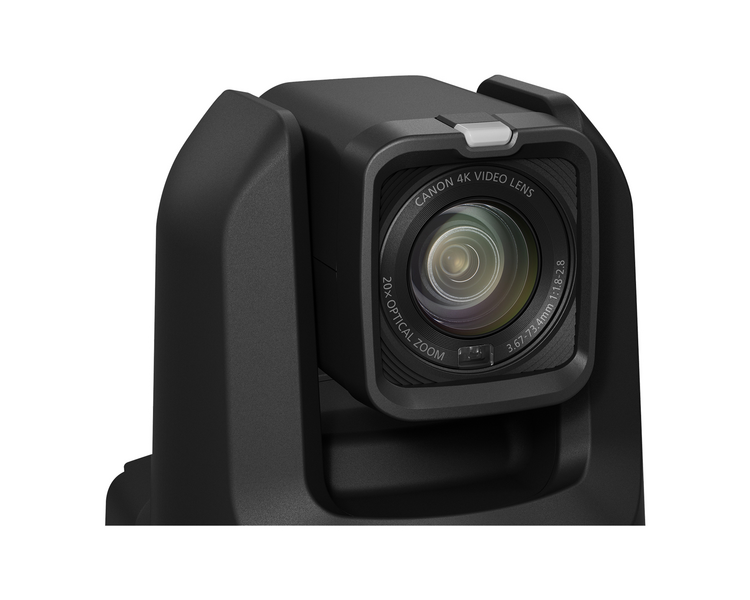
The CR-N100 features a 20x optical zoom lens and exhibits a wide viewing angle of 65.6 degrees** (horizontal). At the wide end, the 29.3 mm* lens is capable of capturing extensive scenes in tight shooting spaces such as indoor events for impressive wide shots. The camera utilizes aspheric lens elements to achieve 4K image quality while minimizing various aberrations over the entire zoom range.
Furthermore, the lens structure of the CR-N100 enables real-time responsiveness in a three-dimensional space, supporting optical image stabilization, which helps keep the image capture stable by minimizing vibration.
* 35 mm camera equivalent
** When capturing in 4K UHD
High-precision Drive Mechanism for Smooth, Responsive PTZ Performance
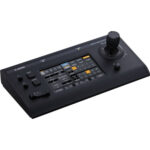
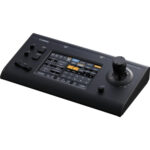
The CR-N100 features a PT (Pan, Tilt) drive mechanism that enables multi-step speed changes from high to low speeds, providing smooth PT in tandem with the zoom. This can be linked with optional remote controllers and applications to support many kinds of video production with a single operator.
The CR-N100 exhibits a variable Pan speed of .2° – 300°/second and variable Tilt speed of .2° – 180°/second.
Equipped with a Tally Lamp
The CR-N100 is equipped with a tally lamp located on the front of the lens section that can illuminate red when the camera is shooting. This provides clear visual indications for staff and performers to know which camera is shooting live.
Scene Modes for Impressive Video Expressions
There are four types of Scene Modes: Portrait mode, which exhibits a blurred background while subject is in sharp focus, Sports mode, which enhances capture of moving objects, Low Light mode, which enhances capture of bright images even in dark places, and Spotlight mode, which enhances capture of beautiful images of spotlighted objects.
By selecting a Scene Mode, capture can be performed without having to adjust multiple settings within the Camera menu which aids a speedy setup and configuration allowing the operator to start shooting with impressive image expression.
Built-in NDI|HX and SRT Support
The CR-N100 supports multiple professional protocols for ease of integration. NDI|HX is built-in to the camera and provides high image quality, low latency, and ease of implementation. SRT is also built-in to the camera that helps provide high-quality video over unpredictable public networks.
Support for Canon XC Protocol
The XC Protocol is an IP protocol that controls Canon video production equipment. With XC Protocol, the CR-N100 can be remotely controlled to support a wide range of applications, which includes sports, music, live events, lecture recording, corporate meeting rooms, video production, and more.
Standard Protocol
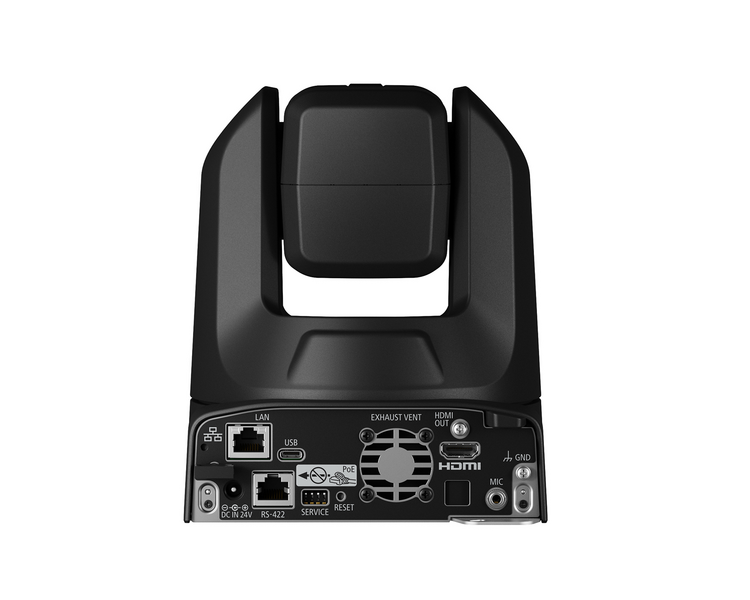
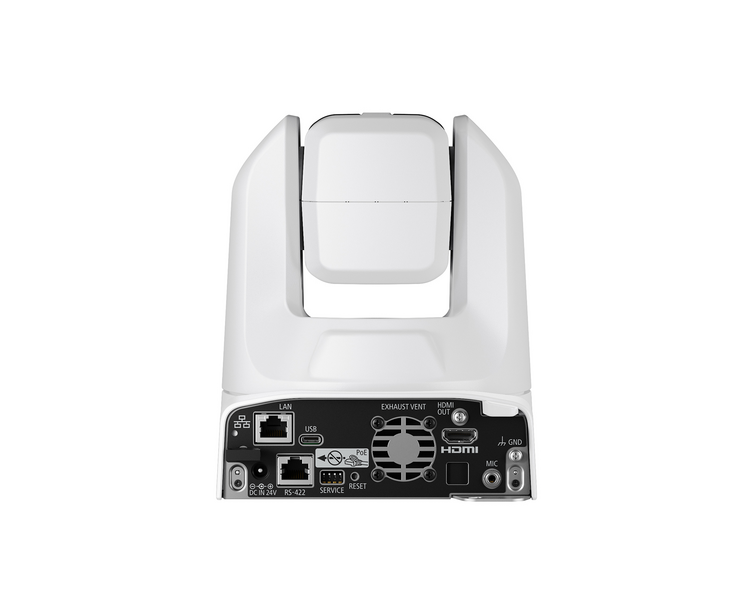
The CR-N100 supports the Standard Protocol to remotely control the camera via IP. When connecting a Standard Protocol compatible remote controller to the camera over IP or serial (RS-422) the camera can be operated remotely and shooting settings can be adjusted by utilizing an optional remote controller.
The Standard Protocol is widely used in video production, broadcasting and many other markets, is regarded as an industry standard, and is suitable for operation within existing workflows.
Various Interfaces Supported for Multiple Environments
HDMI, USB, and IP
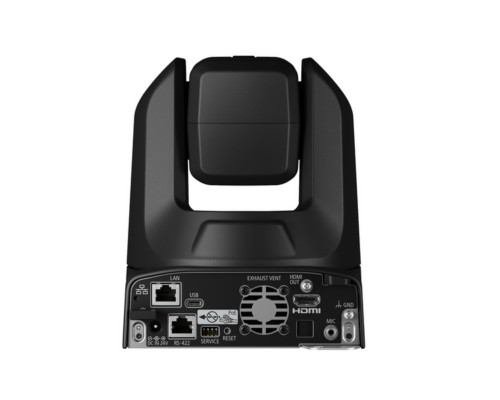
The CR-N100 is equipped with three output interfaces. The IP output and HDMI output are suitable when capturing UHD 4K at 30P or full HD resolutions at 59.94P. The USB output is capable of full HD resolution for high quality web conferencing.
Infrared remote Control
The CR-N100 comes with an infrared remote control which can be used to control a variety of camera functions including PTZ, presets, speed, focus, standby mode, etc.
3.5mm Mini Jack
The CR-N100 offers a method to record high-quality audio through an internal stereo mini-jack mic terminal.
Standard Serial RS-422
The serial terminal RS-422 can be utilized to connect third party supported controllers that support the standard protocol communication.
Remote Camera Control Application
The Remote Camera Control Application can be utilized to control the CR-N100. The Remote Camera Control Application is a Windows / Macintosh application for centralized control of multiple cameras. It is possible to operate up to nine cameras and display videos at the same time – achieving a “multi-camera operation”.
At a video production or broadcasting site, an operator can select a camera from the videos displayed on the “Connected Camera List”, within the application and operate it from the “Camera Control Area” in the control panel of the software. The software is included and can be installed immediately without having to prepare a hardware controller in advance making it easy to use for the operator while creating an effective one-person operation.
Webcam Driver
Turn the CR-N100 into a super webcam with Canon’s Webcam Driver. The Webcam Driver is a virtual USB driver that allows the CR-N100 to be used as a powerful webcam over a network. The software has many advantages such as, automatic camera detection, up to 4K 30P video output, embedded audio (AAC-LC), supports up to 5 cameras and is free of charge. Furthermore, the PTZ camera is not restricted to the short distance of USB cable, which allows for more flexibility in installation. Whether you are connecting to a video conference system, lecture capture or other platform, take advantage of Canon’s CR-N100 with Webcam Driver for the ultimate PTZ webcam experience.
Multi-Camera Management Application
Ideal for use in large-scale camera systems, the Multi-Camera Management Application (MCMA) supports up to 200 individual compatible PTZ, professional video, and cinema cameras. The MCMA streamlines the registration of usernames, passwords and IP addresses to a camera, and registration of cameras to the RC-IP1000 (sold separately) by executing these procedures all at once, instead of individually to each camera. This allows for a rapid initial configuration of large-scale systems with minimal workload. What’s more, the status of all connected cameras can be viewed in a convenient list that enables easier execution of such operations as updating firmware, restarting and initialization.
Add-On Application Support
The Add-On Application System will enable the installation of paid applications directly onto the camera. These applications can then be run without the need for a computer, simplifying operations and set-up.
The Auto Tracking Application enables the camera to automatically track the speaker or other specified persons during commercial presentations, lectures and other events. Because visual analysis is performed in-camera, the system achieves excellent tracking capability. In addition to framing a person in the shot, the camera, aided by its high-performance pan/tilt mechanism and the automatic tracking application, can smoothly capture movements of people with satisfying quality for video production.
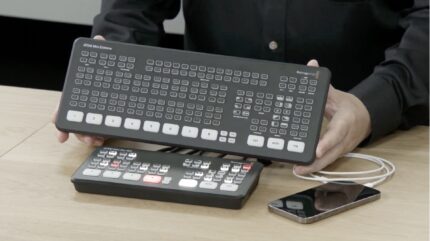
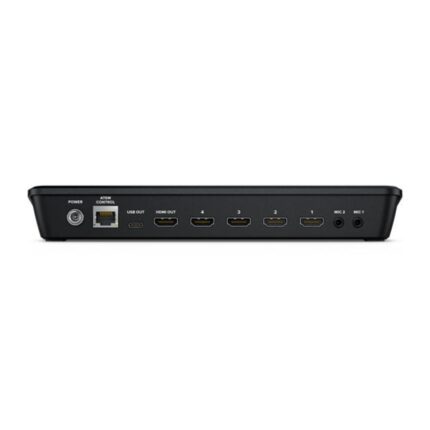
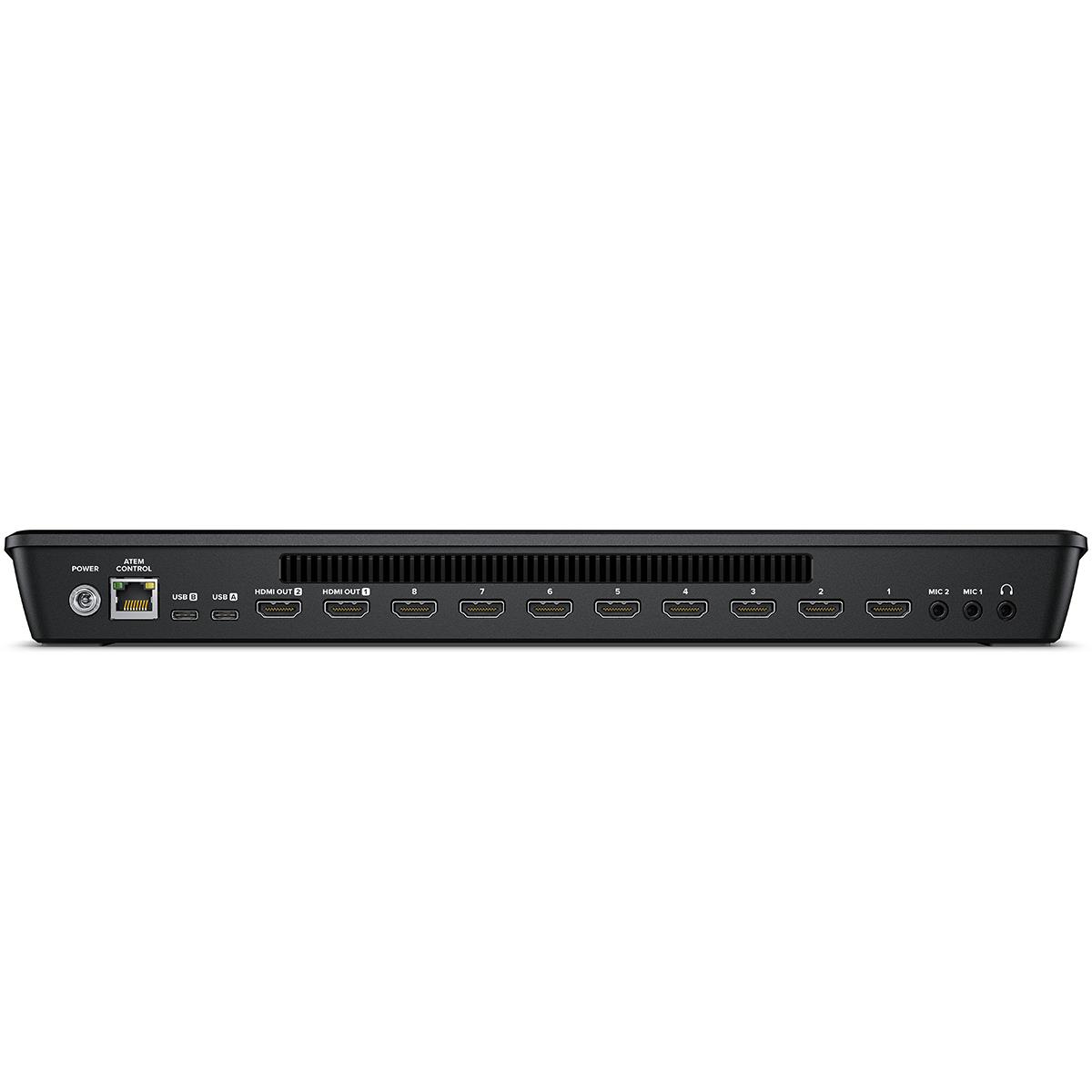
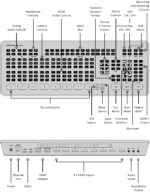
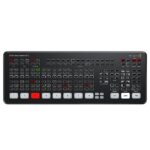
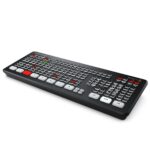
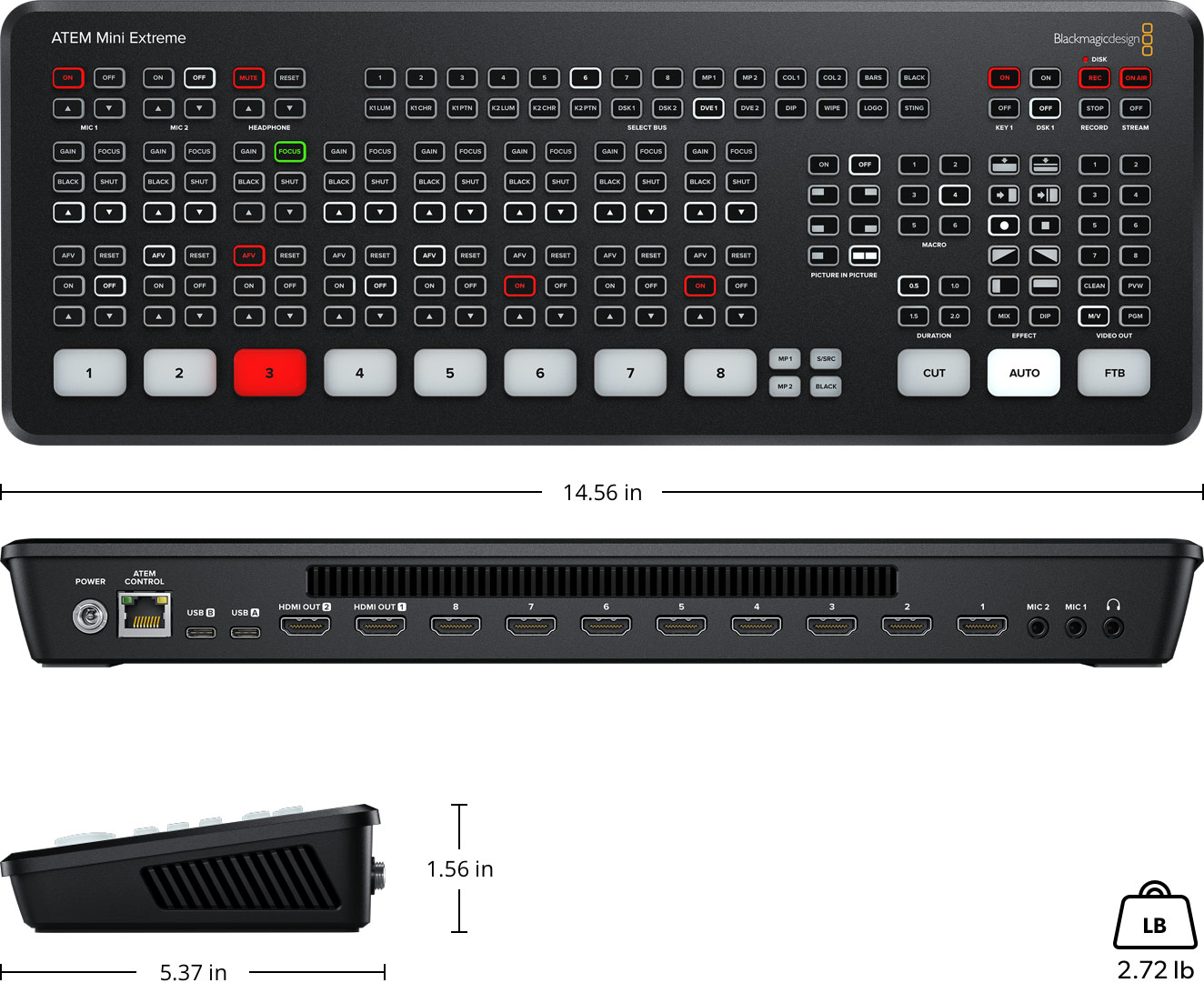
This model is an advanced switcher for true professionals! You get all the ATEM Mini Extreme features plus 8 HDMI inputs, 2 separate HDMI outputs, 2 USB ports and a headphone connection. There are also 4 chroma keyers, 6 picture-in-picture DVEs, 2 media players, and a multiview with up to 16 views!
8
4
2
2 x 3.5mm stereo mini jack.
1 x 3.5mm stereo mini jack.
None
8 x HDMI type A, 10-bit HD switchable.
2 channel embedded audio.
On all 8 HDMI inputs.
On all 8 HDMI inputs.
2
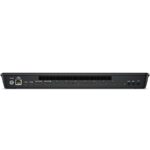
Ethernet supports 10/100/1000 BaseT for live streaming, software control, software updates and direct or network panel connection.
2 x USB Type-C 3.1 Gen 1 for external drive recording, webcam out, software control, software updates and panel connection.

720p50, 720p59.94, 720p60, 1080p23.98, 1080p24, 1080p25, 1080p29.97, 1080p30, 1080p50, 1080p59.94, 1080p60, 1080i50, 1080i59.94, 1080i60
1080p23.98, 1080p24, 1080p25, 1080p29.97, 1080p30, 1080p50, 1080p59.94, 1080p60
1080p23.98, 1080p24, 1080p25, 1080p29.97, 1080p30, 1080p50, 1080p59.94, 1080p60
None
4:2:2 YUV
10-bit
Rec 709
1280 x 720p 50Hz, 59.94Hz and 60Hz
1920 x 1080p 23.98, 24, 25, 29.97, 30, 50, 59.94 and 60Hz
1920 x 1080i 50, 59.94Hz and 60Hz
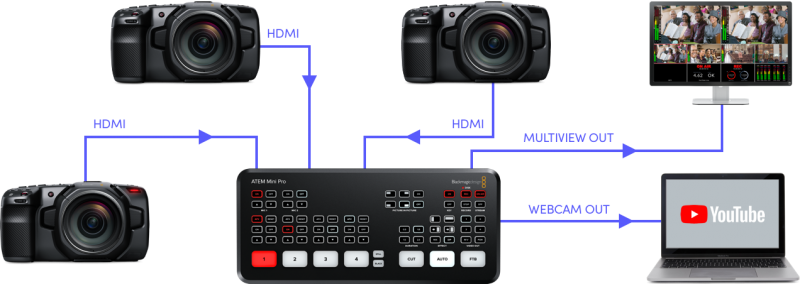

Introducing low-cost, multi-camera, live production with advanced broadcast features.
This model is an advanced switcher for true professionals! You get all the ATEM Mini Extreme features plus 8 HDMI inputs, 2 separate HDMI outputs, 2 USB ports and a headphone connection. There are also 4 chroma keyers, 6 picture-in-picture DVEs, 2 media players, and a multiview with up to 16 views!
The ATEM Mini Extreme models include 4 upstream chroma keyers and this allows you to build exciting virtual sets! With 4 independent chroma keyers, you get a keyer per camera so you can build a virtual set for up to 4 cameras. With ATEM Mini Extreme you have 8 inputs, 4 to use for cameras and the other 4 can be connected to a virtual set computer for the rendered backgrounds. Or you don’t need to move your cameras, you can do fixed camera virtual sets by loading pre-rendered still image backgrounds from the media players and media pool. You can setup macros to change cameras and load the correct background into the media players! Or even use a DeckLink Quad HDMI and live virtual set software!

In addition to 2 independent DVEs in the ATEM Mini Extreme models, there’s also a powerful SuperSource multi-layer processor with 4 extra DVE layers plus a background layer, that all appear to ATEM Mini Extreme as an additional input source. Any ATEM Mini Extreme video input can be used for each SuperSource DVE, then it’s all layered together over a media pool custom background. SuperSource is perfect for doing multiple picture-in-picture displays with people being interviewed because you can set up the effect before putting it to air, still keeping both main DVEs free for other tasks. SuperSource is just like having an extra multi-layer VFX switcher built in!
Faster Video Production Plus Live Streaming
Live production is the fastest way to complete a finished program, plus you can stream it to a live global audience via YouTube at the same time. The USB webcam output of ATEM Mini connects to any computer and looks just like a built-in webcam, so all streaming software for social media platforms works! With up to 4 HDMI inputs you can set up multiple camera angles such as wide shots along with independent close-ups of each person in the performance. Or you can connect to a computer with a PowerPoint slide show, video clip playback, websites, or gaming consoles. All switching is in real-time so you can live stream to any social media platform such as YouTube, Facebook, TwitchTV, and many more!
Easy to use and fast to Learn!
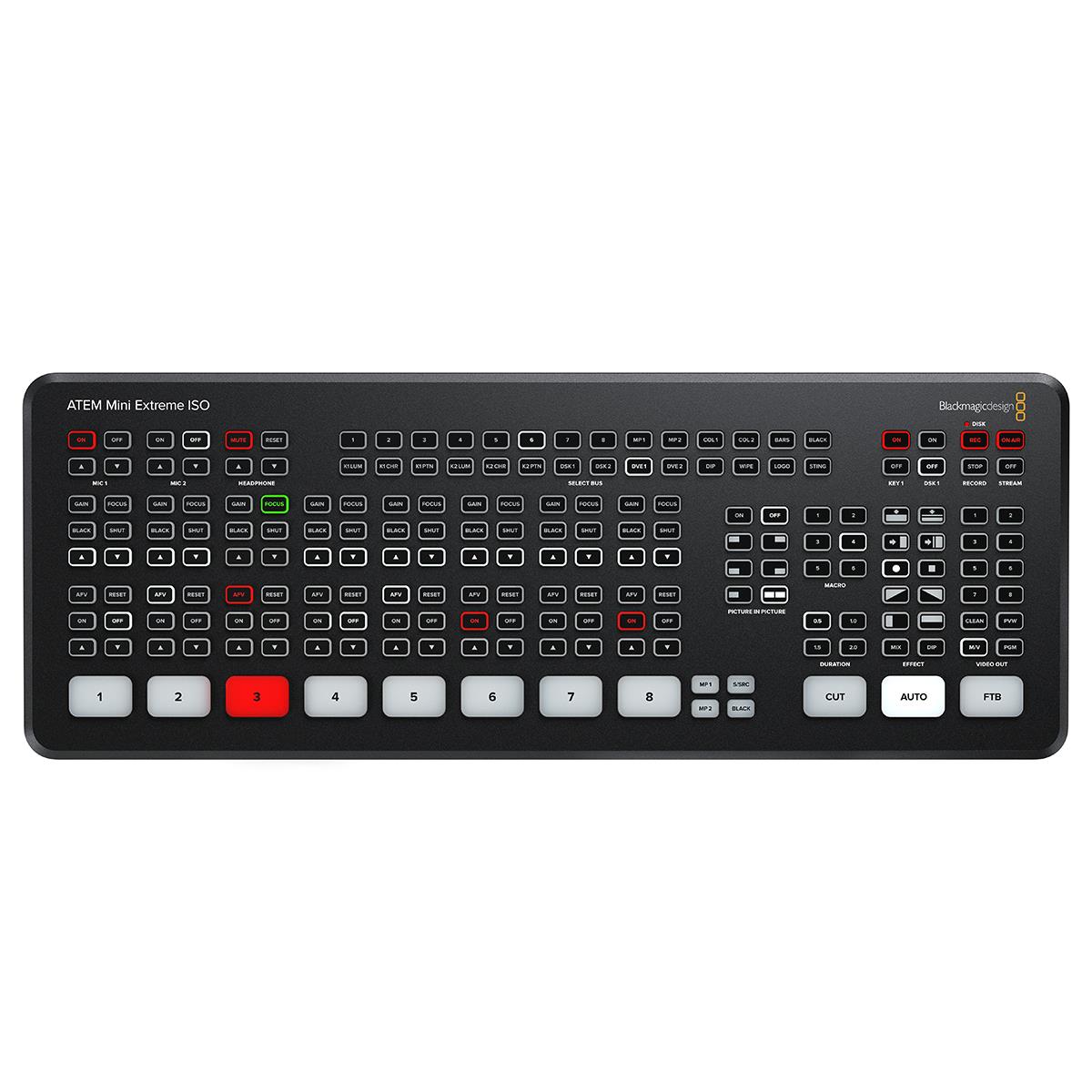
There’s never been a switcher that’s easier to use, as you simply press any of the input buttons labeled 1 to 4 on the front panel to cut between video sources. You can choose between cut or effects transitions by selecting the cut or auto buttons. Unlike cut, the auto button tells ATEM Mini to use a video effect when switching inputs. You can select from exciting transitions such as dissolve, or more dramatic effects such as dip to color, DVE squeeze, and DVE push. The DVE is perfect for picture-in-picture effects and you can instantly set up different picture positions. There is even a still store for titles and graphics accessible via external software control.
Connect up to 8 independent Cameras
With 8 independent HDMI inputs, you can connect up to 8 high-quality video cameras. Video cameras with HDMI outputs are dramatically better quality than simple webcams as they use higher quality lenses and have better low light sensitivity. All video sources will re‑sync to the switcher if they operate at different video standards so you don’t have to worry about connecting video devices as they all just work! Cameras with HDMI often support interchangeable lenses so you can change to wide-angle lenses for wide shots and zoom lenses for close‑ups. Imagine taking advantage of the low-light capability of better cameras for a theater production, weddings, school concerts, and music videos!
Outputs to HDMI Video and USB Webcam!
To ensure maximum compatibility, ATEM Mini features a USB connection that operates as a simple webcam source. That means you can plug in and instantly get working with any video software. The software is tricked into thinking the ATEM Mini is a common webcam, but it’s really a live production switcher! That guarantees full compatibility with any video software and in full resolution 1080HD quality. Choose any software you like, such as Open Broadcaster for live streaming, or Skype for Powerpoint presentations. ATEM Mini works with software and platforms such as Open Broadcaster, XSplit Broadcaster, YouTube Live, Facebook Live, Skype, Zoom, Twitch, Periscope, Livestream, Wirecast, and more!
Live Stream via Ethernet on ATEM Mini Extreme
The ATEM Mini Extreme model has a built-in hardware streaming engine for live streaming via its built-in Ethernet connection. That means you can live stream to YouTube, Facebook, and Twitch in better quality, without dropped frames and with much simpler settings. Just select the streaming service and enter the streaming key! There are palettes in ATEM Software Control for streaming setup and status, plus streaming status is also displayed in the multiview. Streaming status is easy to understand as the data rate indicator shows the internet speed required for the video format you’re using. If you’re technically minded, you can even hack the detailed streaming profiles in the XML preference file and load new services.
Record Direct to USB Flash Disks with ATEM Mini Extreme
The ATEM Mini Extreme model also supports direct recording of your streaming data to USB flash disks! That means you get very long recordings in the same H.264 video files with AAC audio that you streamed, so you can directly upload to any online video site, such as YouTube and Vimeo. ATEM Mini Extreme supports multiple disks when used with a USB hub or Blackmagic MultiDock, so when a disk fills recording can continue to a second disk for non-stop recording. Record settings and disk selection are set up in ATEM Software Control and there’s a record status view in the built-in multiview. You can even trigger recording on external Blackmagic Pocket Cinema Cameras!
Add Exciting Video Effects
One of the benefits of ATEM Mini is the professional production values that are possible using the range of built-in video effects! The cut button ensures an instant cut when switching between sources. The auto button is a professional term that’s used on large broadcast switchers to enable video effects transitions. There are duration buttons for video effects allowing 0.5, 1, 1.5, and 2-second settings. You can also select the type of effect you want including mix, which does a smooth transition between sources, and dip which fades via a color during the transition. Or use fun DVE effects that move the image off-screen when transitioning between sources!
Work with Professional Microphones
With two independent 3.5mm stereo audio inputs, you can connect desktop and lapel microphones. You can even connect a music player to generate introduction music after the live stream commences but before the program starts. With 2 extra stereo audio inputs, you can ensure a host and guest both have lapel microphones when doing interviews. All audio inputs to ATEM Mini include buttons on the panel for adjusting audio level and enabling inputs into the audio mixer. ATEM Mini features a full Fairlight audio mixer and all HDMI audio inputs and both microphone inputs are all connected separately to the audio mixer so you can live mix from all audio sources.
Automatically Converts Any HDMI Input Format
Each of the 4 HDMI inputs features its own dedicated standards converter. That means ATEM Mini will automatically convert 1080p, 1080i, and 720p sources to the video standard of the switcher! By default, the switcher will set its video format automatically, however you can also set the switcher to a specific video standard you need! The HDMI output is a true “aux” output so you can clean switch each HDMI input or program to this output. You can even “direct” switch input 1 to the HDMI output for low latency eSport productions. If you’re using program/preview switching, the HDMI out can be selected to preview, or on the ATEM Mini Extreme model, it can be selected to display a full multiview.
Monitor Sources and Status with ATEM Mini Extreme Multiview!
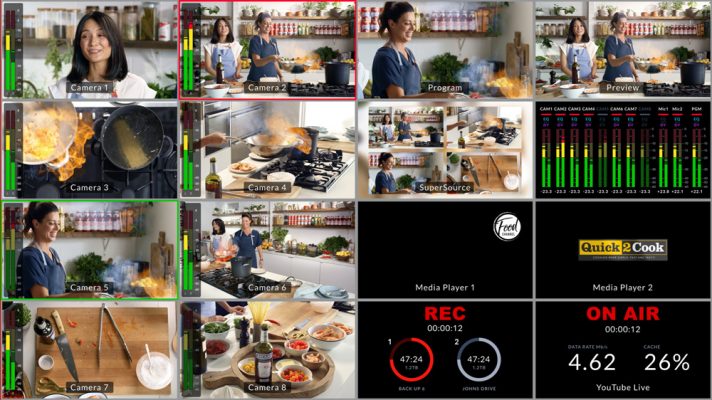
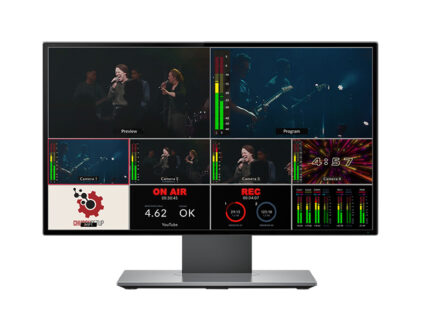
When doing larger live productions with multiple cameras, it’s very useful to see all your video sources at the same time on a single monitor. The ATEM Mini Extreme model includes a professional multiview that lets you see all 4 video inputs, plus preview and program on a single HDMI television or monitor! Simply select M/V on the front panel video output control buttons to select multiview! Each camera view includes tally indicators so you know when each source is on-air, and each view also has custom labels and audio meters. You can also see the media player so you know what graphic is selected. Plus multiview even includes a status for recording, streaming, and the Fairlight audio mixer!
Control and Color Balance Cameras!
For a more broadcast-style workflow, you can remote control your cameras from ATEM Mini! Blackmagic Pocket Cinema Camera 4K and 6K models can work as studio cameras with control sent via the HDMI connection to ATEM Mini. That means you can control the camera settings as well as the camera’s color corrector from ATEM Software Control. Imagine changing ISO and tint, plus lens iris, focus, and zoom, so camera operators can focus on the shot! There are two types of control interface, CCU layout for traditional tint color control and a DaVinci color corrector interface allowing the camera’s built-in DaVinci color corrector to add incredible digital film “looks” to your live production!
| Color | Black/Gray, White |
|---|


Vestibulum curae torquent diam diam commodo parturient penatibus nunc dui adipiscing convallis bulum parturient suspendisse parturient a.Parturient in parturient scelerisque nibh lectus quam a natoque adipiscing a vestibulum hendrerit et pharetra fames nunc natoque dui.
Scelerisque adipiscing bibendum sem vestibulum et in a a a purus lectus faucibus lobortis tincidunt purus lectus nisl class eros.Condimentum a et ullamcorper dictumst mus et tristique elementum nam inceptos hac parturient scelerisque vestibulum amet elit ut volutpat.
No account yet?
Create an Account