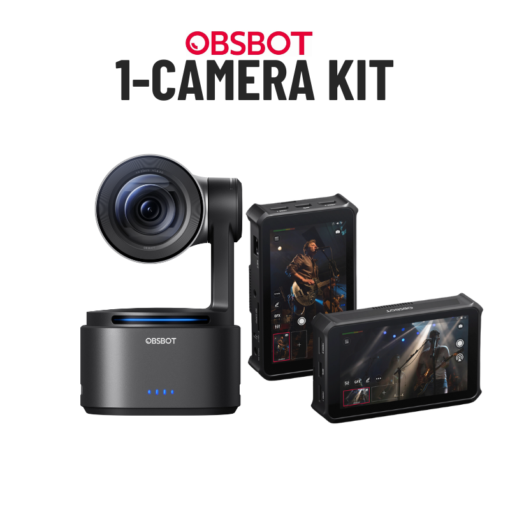








OBSBOT Tail 2 | 1-Camera Streaming Kit | ATEM Mini Pro
$3,299.99
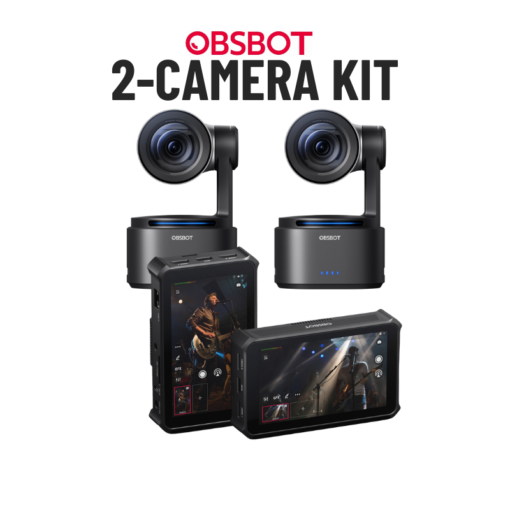
For churches that want a compact, AI-powered streaming setup without the complexity of a full PC-based system, this is the kit to buy. It’s simpler and more affordable than traditional PTZ streaming kits, but it still delivers stunning 4K image quality and hands-free AI tracking that follows your pastor or worship leader automatically — no camera operator needed.
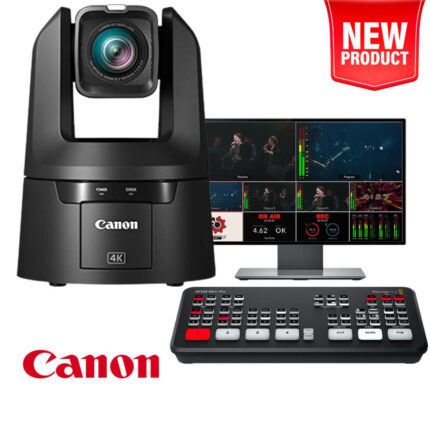
This kit includes everything you need to start streaming today, including the brand-new OBSBOT Tail 2 AI-Powered PTZR 4K camera and the Blackmagic Design ATEM Mini Pro switcher, for a high-quality live stream at 1080p high definition and 60 frames per second. If you want a single camera that intelligently tracks your speaker while you manage your entire production from one seat in the sound booth, this is the system you want.
Description
For churches that want a compact, AI-powered streaming setup without the complexity of a full PC-based system, this is the kit to buy. It’s simpler and more affordable than traditional PTZ streaming kits, but it still delivers stunning 4K image quality and hands-free AI tracking that follows your pastor or worship leader automatically — no camera operator needed.
This kit includes everything you need to start streaming today, including the brand-new OBSBOT Tail 2 AI-Powered PTZR 4K camera and the Blackmagic Design ATEM Mini Pro switcher, for a high-quality live stream at 1080p high definition and 60 frames per second. If you want a single camera that intelligently tracks your speaker while you manage your entire production from one seat in the sound booth, this is the system you want.
What’s Included in this Kit
- Blackmagic Design ATEM Mini Pro
- 1 | PTZ Optics Move-SE Camera
- 1 | PTZ Wall Mount (Ceiling mount available on request.)
- 24″ Monitor for Multiview Production Monitoring
- 1 | 100′ Camera Cable Package
- 8-Port Power-Over-Ethernet Gigabit Switch
- 1TB SSD Hard Drive for Recording
- Audio Adapters & Cables
- 12 Months Access to Premium Training Sessions
- NEW! Free Team Access to the Live Streaming Academy
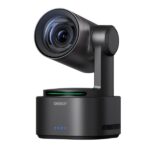
Introducing the OBSBOT Tail 2 AI-Powered PTZR 4K Camera
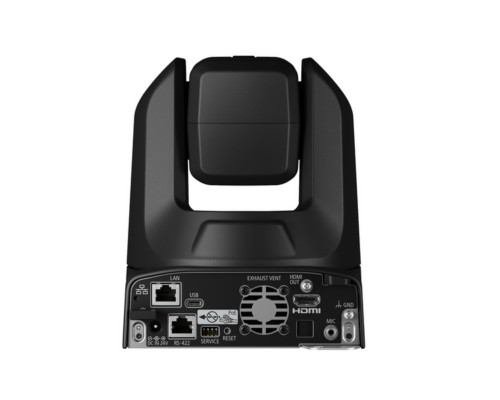
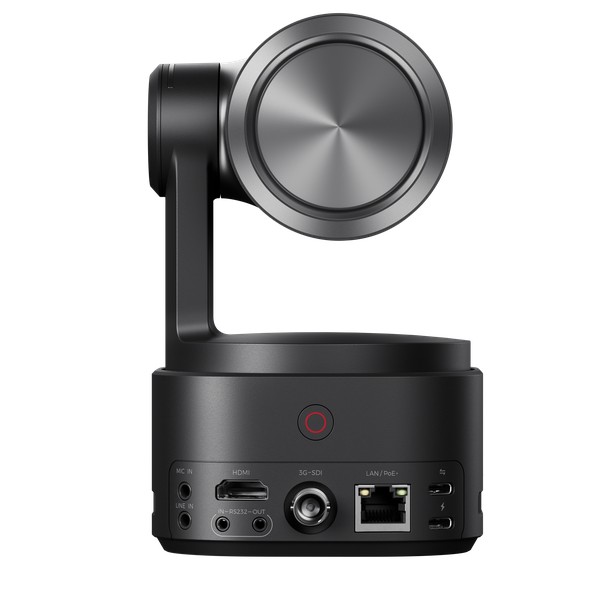
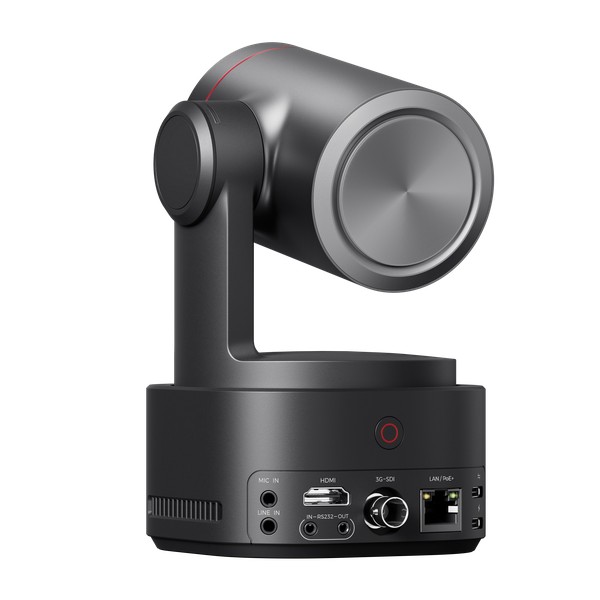
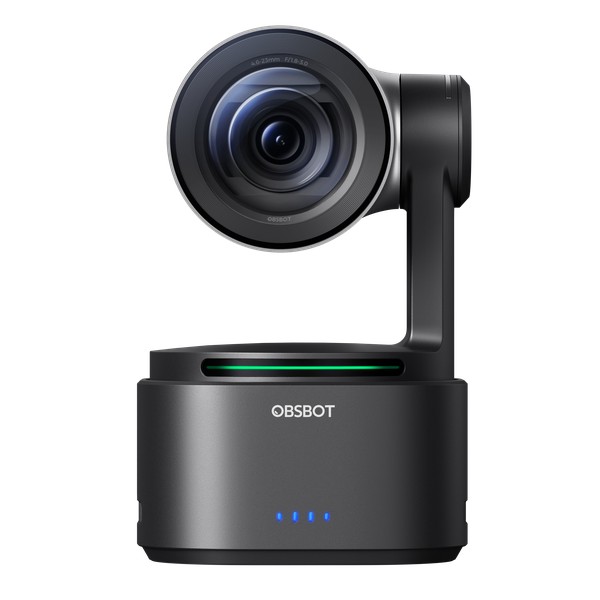
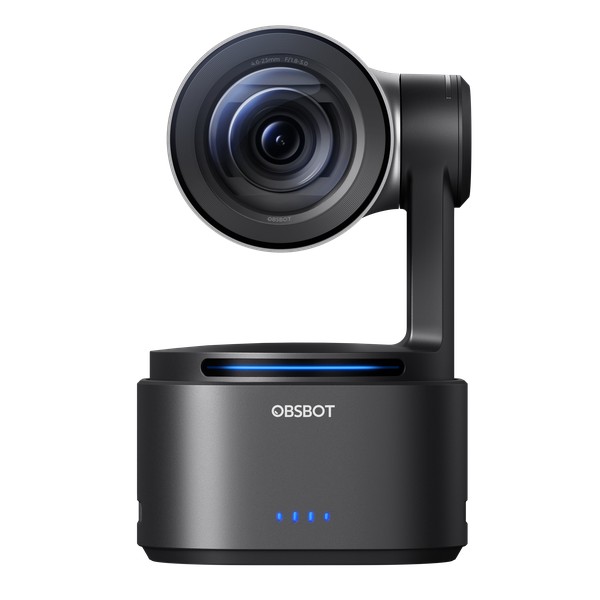
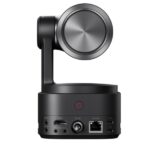
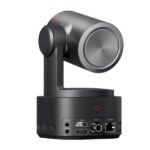
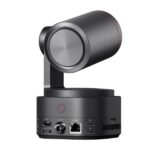
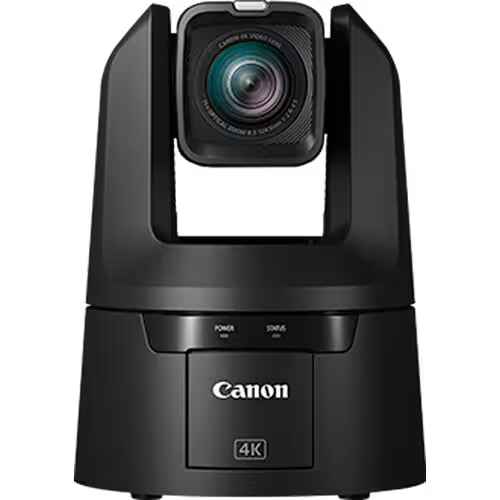
The OBSBOT Tail 2 is unlike any PTZ camera you’ve seen before. It’s the world’s first PTZR (Pan-Tilt-Zoom-Rotate) camera — meaning it doesn’t just pan, tilt, and zoom like a traditional PTZ. It adds a full 90-degree rotation axis, allowing you to shoot in both landscape and portrait orientation without cropping or losing quality. But for church streaming, the real game-changer is the AI. The Tail 2 features a powerful 1/1.5″ 50-megapixel CMOS sensor that delivers incredible image quality, especially in the low-light environments that are common in sanctuaries and worship spaces. With HDMI, SDI, USB-C, and IP streaming outputs built in, it integrates seamlessly into the ATEM Mini Pro workflow included in this kit.
The Tail 2 also supports NDI for network-based video production, has a built-in 5000mAh battery for up to five hours of wireless operation, and accepts firmware updates to keep improving over time. Whether you’re streaming a Sunday morning service, a midweek Bible study, or a special event, this camera delivers broadcast-quality results with minimal effort.
AI-Powered Tracking That Follows Your Pastor
This is where the OBSBOT Tail 2 truly shines for churches. The upgraded AI Tracking 2.0 system intelligently follows your pastor, worship leader, or speaker as they move across the stage — no camera operator required. A single volunteer in the sound booth can manage the entire production while the Tail 2 handles all the camera movement automatically. The “Only Me” feature locks onto your selected subject so that even when other people walk across the stage, the camera stays focused on who matters. For worship sets or panel discussions, the enhanced Group Tracking mode keeps multiple people perfectly framed.
Starting tracking is simple — just double-click your target in the OBSBOT Start preview app and the AI locks on instantly. You can adjust tracking speed to match your pastor’s movement style, whether they pace quickly across the stage or move slowly and deliberately. You can even lock the pan or tilt axis independently for pure horizontal or vertical-only tracking.
5x Optical Zoom with 12x Hybrid Zoom
The Tail 2 features 5x optical zoom and 12x hybrid zoom, giving you the flexibility to capture wide shots of the entire stage or punch in tight for close-ups of your speaker — all without moving the camera. The advanced all-pixel Phase Detection Auto Focus (PDAF) ensures lightning-fast, precise focus whether you’re tracking a moving subject or switching between multiple people on stage. The Foreground Focus mode automatically prioritizes subjects closest to the camera, so your pastor stays sharp and in focus even when people walk between the camera and the stage.
Gesture Control — Hands-Free Camera Operation
Control the Tail 2 from across the room with simple hand gestures. Activate AI tracking, adjust zoom, and start or stop recording — all without touching the camera or opening an app. This is perfect for solo content creators, small church teams, or any situation where your hands are full running the rest of the production.
Multiple Connection Options
The OBSBOT Tail 2 is built for flexibility. Connect it to your ATEM Mini Pro via HDMI for up to 4K60 output, or use any of the other built-in interfaces:
- HDMI output up to 4K60 and 1080p120
- 3G-SDI output
- USB-C 2.1 Gen 1 (works as a webcam for Zoom, Teams, etc.)
- IP streaming (NDI supported)
- RS-232 input/output for integration with control systems
- Mic and Line audio inputs
- microSD card slot for onboard recording
OBSBOT Software Ecosystem
OBSBOT provides a complete software suite to get the most out of your Tail 2:
- OBSBOT Start — Console software for camera control, AI tracking setup, and preview
- OBSBOT Live — Multi-camera streaming software for managing multiple OBSBOT cameras
- OBSBOT Center — Comprehensive control hub for all OBSBOT devices
Connect your OBSBOT Tail 2 to the software suite for an extremely compact, convenient, and smart streaming setup. The OBSBOT ecosystem simplifies multicam video production, camera control, program direction, and video distribution — start professional live streaming anywhere, anytime, with minimal crew requirements.
Introducing the Blackmagic Design ATEM Mini Pro
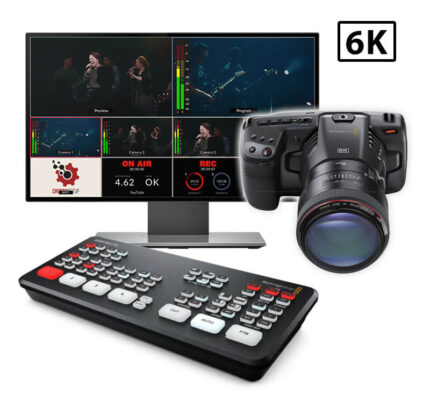
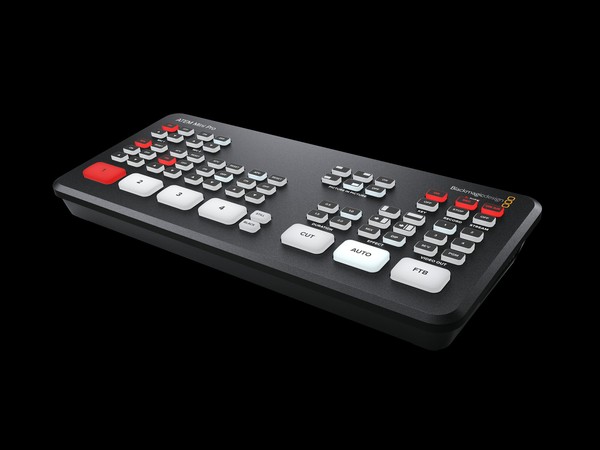
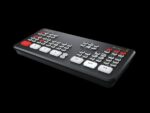
The Blackmagic Design ATEM Mini Pro is the heart of this streaming kit. It’s a broadcast-quality video switcher that connects your OBSBOT Tail 2 camera (plus up to three additional HDMI sources like computers, media players, or additional cameras) and lets you switch between them in real time while simultaneously live streaming and recording. The ATEM Mini Pro is trusted by thousands of churches worldwide for one reason: it makes professional live streaming push-button simple.
Faster Video Production Plus Live Streaming
Live production is the fastest way to create a finished program, and with the ATEM Mini Pro you can stream it to a global audience via YouTube, Facebook, or any RTMP platform at the same time. With up to 4 HDMI inputs, you can set up multiple sources — your OBSBOT Tail 2 camera, a computer with lyrics or ProPresenter slides, video clip playback, or even a gaming console. All switching is in real time so your live stream looks polished and professional from day one.
Self-Contained Broadcast-Quality Switcher
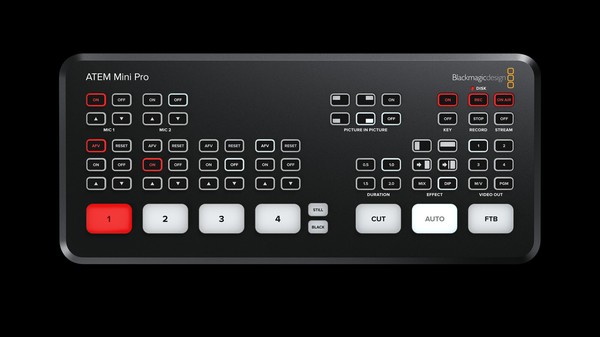
The ATEM Mini Pro’s compact design includes both a control panel and all your connections in one device. The front panel features easy-to-use buttons for selecting sources, choosing video effects, and controlling transitions. It’s designed so that even a first-time volunteer can sit down and start switching cameras within minutes.
Easy to Use and Fast to Learn!
There’s never been a switcher this easy to use. Simply press any of the input buttons labeled 1 to 4 on the front panel to cut between video sources. Choose between a hard cut or smooth effects transitions by selecting the CUT or AUTO buttons. You can select from professional transitions like dissolve, dip to color, DVE squeeze, and DVE push. The built-in DVE is perfect for picture-in-picture effects — ideal for showing your pastor and lyrics slides on screen at the same time.
Connect Up to 4 Independent Cameras
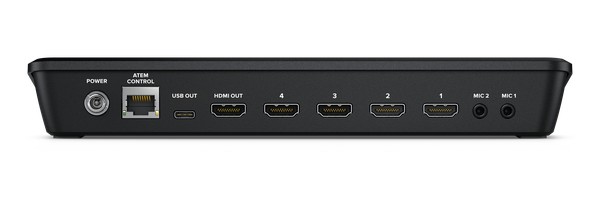
With 4 independent HDMI inputs, you can connect up to 4 high-quality video cameras or other HDMI sources. All video sources automatically re-sync to the switcher even if they operate at different video standards, so you don’t have to worry about compatibility — everything just works. As your church grows, you can easily add more cameras to this kit.
Outputs to HDMI Video and USB Webcam!
The ATEM Mini Pro features both HDMI output for your confidence monitor and a USB-C connection that appears as a simple webcam to any computer. That means you can plug it into any computer and instantly work with Zoom, Google Meet, OBS, or any streaming software. The software sees the ATEM Mini Pro as a webcam, but it’s really a full live production switcher delivering 1080p HD quality!
Live Stream via Ethernet on ATEM Mini Pro
The ATEM Mini Pro model has a built-in hardware streaming engine for live streaming via its Ethernet connection. That means you can live stream directly to YouTube, Facebook, and Twitch in better quality, without dropped frames, and with much simpler settings. Just select your streaming platform and enter the stream key — it’s that simple. There are status indicators in the multiview so you always know your stream is healthy and running.
Record Direct to USB Flash Disks
The ATEM Mini Pro supports direct recording of your stream to USB flash drives! You get long-duration recordings in H.264 video files with AAC audio that can be uploaded directly to YouTube, Vimeo, or your church website. When one disk fills up, recording can continue to a second disk for uninterrupted capture of your entire service.
Add Exciting Video Effects
Take advantage of the range of built-in video effects for professional production values. Choose from mix (smooth crossfade), dip to color (fade through black or white), or fun DVE effects that move the image off-screen. You can set effect durations from 0.5 to 2 seconds to match the pace of your service.
Work with Professional Microphones
With two independent 3.5mm stereo audio inputs, you can connect desktop and lapel microphones, or plug in a music player for intro music. The ATEM Mini Pro features a full Fairlight audio mixer, so all HDMI audio inputs and both microphone inputs are mixed together — giving you complete control over your audio mix during the live stream.
Monitor Sources and Status with ATEM Mini Pro Multiview!
The ATEM Mini Pro includes a professional multiview that lets you see all your video inputs, preview, and program output on a single HDMI monitor. Each camera view includes tally indicators so you know which source is live, plus custom labels and audio meters. You can also see media player status, recording status, streaming health, and the Fairlight audio mixer — all on one screen.
Standards
HD Video Input Standards
720p50, 720p59.94, 720p60, 1080p23.98, 1080p24, 1080p25, 1080p29.97, 1080p30, 1080p50, 1080p59.94, 1080p60, 1080i50, 1080i59.94, 1080i60
HD Video Output Standards
1080p23.98, 1080p24, 1080p25, 1080p29.97, 1080p30, 1080p50, 1080p59.94, 1080p60
Video Streaming Standards
1080p23.98, 1080p24, 1080p25, 1080p29.97, 1080p30, 1080p50, 1080p59.94, 1080p60
Video Sampling
4:2:2 YUV
Color Precision
10-bit
Color Space
Rec 709
HDMI Input Resolutions from Computers
1280 x 720p 50Hz, 59.94Hz and 60Hz
1920 x 1080p 23.98, 24, 25, 29.97, 30, 50, 59.94 and 60Hz
1920 x 1080i 50, 59.94Hz and 60Hz
Shipping and Delivery