
Blog
Church livestream kit vs. DIY gear list for a small church

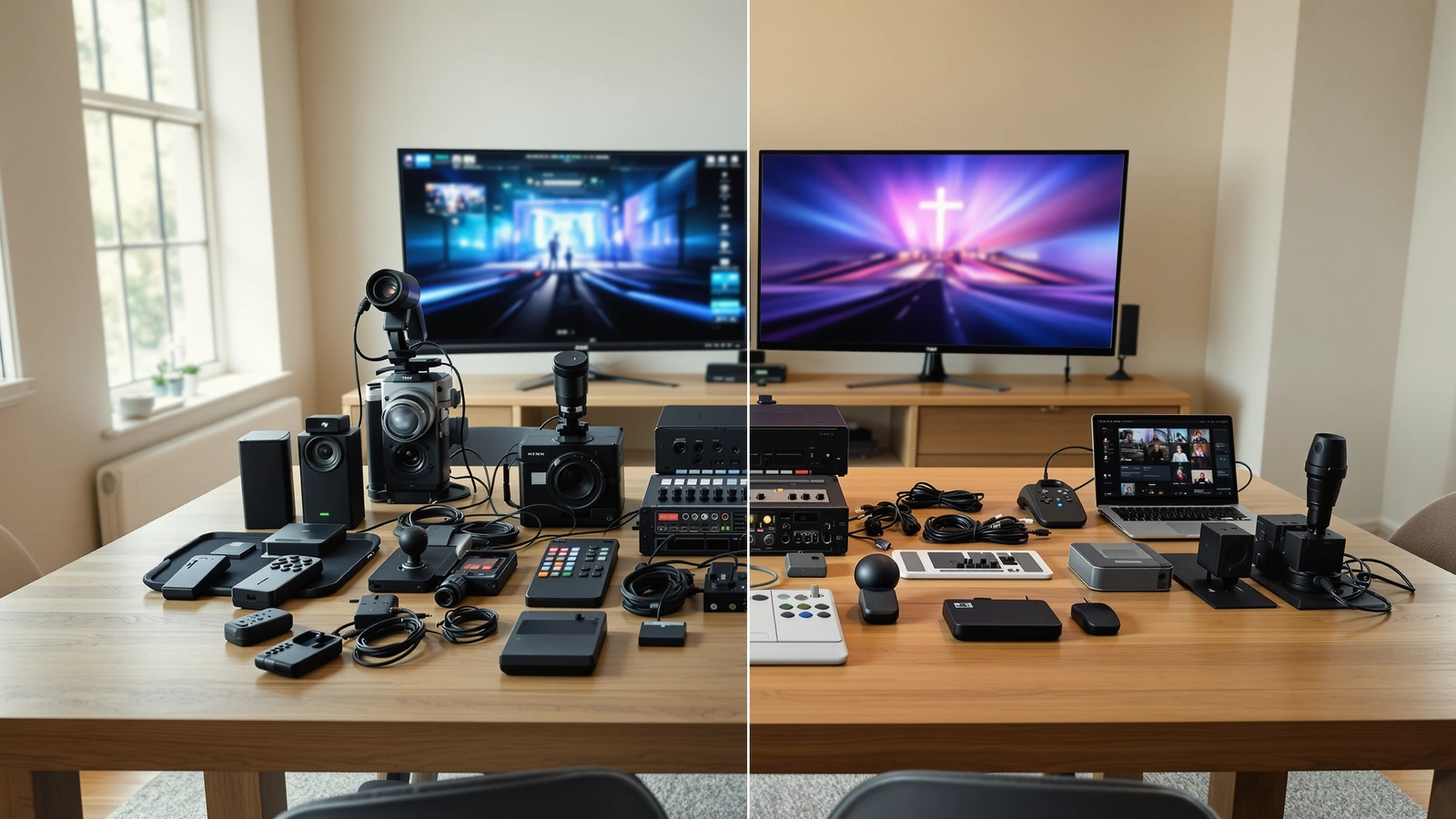
You have a quote from a kit page open in one tab and a spreadsheet of individual parts open in another, and the parts list looks a few hundred dollars cheaper. That is the moment most small churches sit in when they decide whether to buy a complete livestream kit or assemble their own gear from a DIY list. We have built both kinds of systems in real sanctuaries, and the honest answer is that the sticker price is the least interesting part of the comparison. What matters far more is who configures it, who keeps it running on Sunday morning, and what happens the first time something does not turn on.
Let us walk through that decision the way we would if you called us, because the right choice for a thirty-person plant meeting in a school cafeteria is not always the right choice for a four-hundred-seat sanctuary with two services.
What you are actually comparing
A church livestream system is never a single product. It is a chain: a camera or two, an audio source, a production tool that switches and streams, an encoder, a platform, internet, cabling, and a person who can run all of it under a little pressure while the service is happening. A DIY gear list and a complete kit both have to deliver that whole chain. The difference is how much of the chain you assemble yourself and how much arrives already matched and documented.
When you build from a parts list, you are taking responsibility for compatibility. You decide whether the camera’s output matches the switcher’s input, whether the audio feed lands at the right level, whether the cable runs are the correct type and length, and whether the firmware versions play nicely together. None of that is impossible. People do it well every week. It is simply work, and it is work that happens before you ever go live, often spread across several evenings and a few return shipments.
A complete kit shifts that work off your plate. The camera, switcher, cabling, and mounting hardware are chosen to function together, and the configuration is documented for your room rather than left as an exercise. That is the practical meaning of buying a kit instead of a list: you are buying the integration and the support, not just the boxes.
Where the DIY route genuinely shines
For a church with a capable volunteer who already understands video signal flow, a DIY build can be a good fit. If someone on your team has wired a switcher before, knows the difference between SDI and HDMI runs, and enjoys the troubleshooting, that person can save real money and end up with a system they understand intimately. Understanding the system matters more than most buyers expect, because the person who built it is usually the person who can fix it at 9:50 on a Sunday.
The DIY route also gives you precise control over each component. If you want a very specific microphone or you already own half the gear, a parts list lets you slot in what you have instead of paying for things twice. We frame your existing equipment as an asset here, because a working audio board or a usable camera can absolutely become part of a smart, lower-cost build rather than something you replace.
Where a complete kit tends to fit better
Most small churches do not have that experienced volunteer, and that is not a failing. It is simply the reality of a team built from whoever was willing to say yes. When the person running the stream is a parent who volunteered last month, a kit that arrives matched and pre-configured removes the part of the project most likely to stall: getting the pieces to talk to each other in the first place.
This is the situation our 1-camera live streaming starter kit is designed for. It gives a brand new stream a single clean angle, a clear audio path, and a documented setup, so a volunteer can learn the workflow without first becoming a video engineer. When you are ready for a second angle, the 2-camera live streaming kit adds a wide and a close shot without adding a second operator, because you can switch between framed shots from one position.
The price gap is real, and it is mostly labor
When a DIY list looks cheaper than a kit, the gap is usually the integration labor and support that the kit folds into the price. We have seen the same logic play out with local AV integrators, where a quote can run far higher than a kit built from similar hardware. The integrators are not being dishonest. They are pricing a full-service installation model with on-site labor, markup, and the assumption that nearly all configuration happens at your building. A kit sits in the middle: you handle the physical installation, the mounting and cable runs, and we handle the configuration remotely after the cables are connected.
That middle path is why a kit can cost less than a custom install and more than a bare parts list at the same time. You are paying for the hours you would otherwise spend matching components and chasing settings, plus a person to call when the switcher will not see the camera. For a church without a tech budget, those hours have a real cost even though they never show up on an invoice.
If you want to see how these numbers tend to break down across cameras, switching, and audio, our guide to how much a church livestream setup costs in 2026 lays out the ranges in plain terms. Prices move, so treat any figure you find as a starting point and confirm it against a current product page before you commit.
The hidden costs that never make the spreadsheet
The trouble with comparing a kit price to a DIY total is that the spreadsheet only counts the parts it knows about. A few things reliably get left off the DIY column and then show up later.
- Cables, adapters, and PoE power that you discover you need on the second weekend, after the first attempt revealed the run was longer than you measured.
- The return shipping and restocking on the component that turned out to be the wrong output for your switcher.
- The volunteer evenings spent reading forum threads to figure out why the audio is clipping or the camera will not hold focus.
- The Sunday a setting drifts and there is no one to call, so the stream goes dark while a hundred people are watching from home.
None of these are reasons to avoid a DIY build. They are simply the parts of the true cost that a kit absorbs. When a church tells us the parts list was cheaper, we ask how many weekends they want to spend before the first clean broadcast, because that answer often changes the math.
Audio is where both paths succeed or fail
Whichever route you choose, get the audio right before you spend heavily on video. In our experience audio carries most of the live stream experience, because a congregation at home will forgive a softer image far longer than they will tolerate sound they cannot follow. A dry feed pulled straight from the board often sounds thin online, vocals get buried under instruments, and a signal sent in too hot will clip and crunch in a way that is hard to listen to.
A DIY list gives you total freedom over the audio path, which is a gift if you know what clean gain staging looks like and a hazard if you do not. A kit hands you a defined path from your sound source into the switcher’s audio mixer, with levels you can set deliberately rather than guess at. If you want to go deeper on why streams so often sound worse than the room, our post on why live stream audio sounds bad walks through the usual culprits and how to fix them.
Control: who is going to run this on Sunday
The camera decision is really a people decision, and it lands differently for DIY than for a kit. If you have skilled operators who can frame and focus a manual camera through an entire service, a DIY build around cameras you control by hand can look wonderful. Most small churches do not have a person free to stand at a camera every week, which is exactly why PTZ cameras with presets carry so much of the load in church streams.
A PTZ camera lets one volunteer set a few presets, a wide shot of the platform, a tighter shot on the speaker, maybe a framing for the worship team, and then recall them with a button rather than physically operating a camera. Auto-tracking can follow a pastor who moves naturally across the stage, which helps a church with no operator at all, though it works best when paired with good placement and enough optical zoom to reach the platform from the back of the room. The Move-SE 1-camera PTZ streaming kit with the ATEM Mini Pro bundles exactly that capability with the switching core, so a single volunteer can run a watchable service from one seat.
If you are weighing whether PTZ is the right family for your room at all, we made the case in why PTZ cameras fit churches serving both in-person and online congregations. The short version is that they reduce the weekly burden on a small team, which is usually the constraint that decides whether a stream survives past its first enthusiastic month.
The switching and streaming core
Both a DIY list and a kit need something that takes your camera feeds, lets you cut between them, mixes the audio, and pushes the result to your platform. In older software-based builds those jobs were split across a capture card, an encoder, and a computer running something like OBS, which is flexible but adds a machine that has to behave perfectly every week. A hardware switcher folds most of that into one box.
The Blackmagic ATEM Mini Pro is the core of most of our small-church kits because it does the whole job without a computer in the signal path. It takes four HDMI inputs with built-in streaming, recording to a USB drive, and a multiview output on a single affordable unit, which means a volunteer presses a button to go live rather than babysitting an encoder. Those four inputs also set a sensible ceiling on camera count for a small church, because four angles is already more than most volunteer teams can use well. If you want a deeper look at the device itself, we wrote about whether the ATEM Mini Pro is a good choice for church live streaming.
The reason this matters for the kit-versus-DIY question is supportability. A hardware switcher gives a small team far fewer places where a Sunday morning can go wrong, and when something does, there is a single, well-documented box to check rather than a chain of software settings spread across an operating system you did not build.
So which one should you buy
If your church has a volunteer who genuinely enjoys building and troubleshooting AV, who has done signal flow before, and who will still be around in two years, a DIY build can give you a system you understand and own completely. That person is rare and valuable, and a parts list lets them put your money exactly where it counts.
For most small churches, and for larger churches that simply want their team focused on the service rather than the wiring, a complete kit removes the riskiest part of the project. You still do the real work of mounting and cabling, which keeps the cost honest, and you hand off the matching and configuration that tends to swallow weekends. The result is a system designed to be operated on a normal Sunday by a normal volunteer, which is the only test that matters once the novelty wears off.
If you are not sure where your church lands, the simplest place to start is a single clean angle you can grow from. Our Move-SE 1-camera PTZ streaming kit with the ATEM Mini Pro is a sensible first step that gives you a remote-controlled camera, a one-button switching and streaming core, and a documented setup you can lean on, with room to add a second camera when your team is ready. Take a look, and if you want help deciding whether a kit or a build fits your room, that is exactly the kind of question we like to talk through.