
Blog
Why first-time church livestream setups fail on Sunday morning

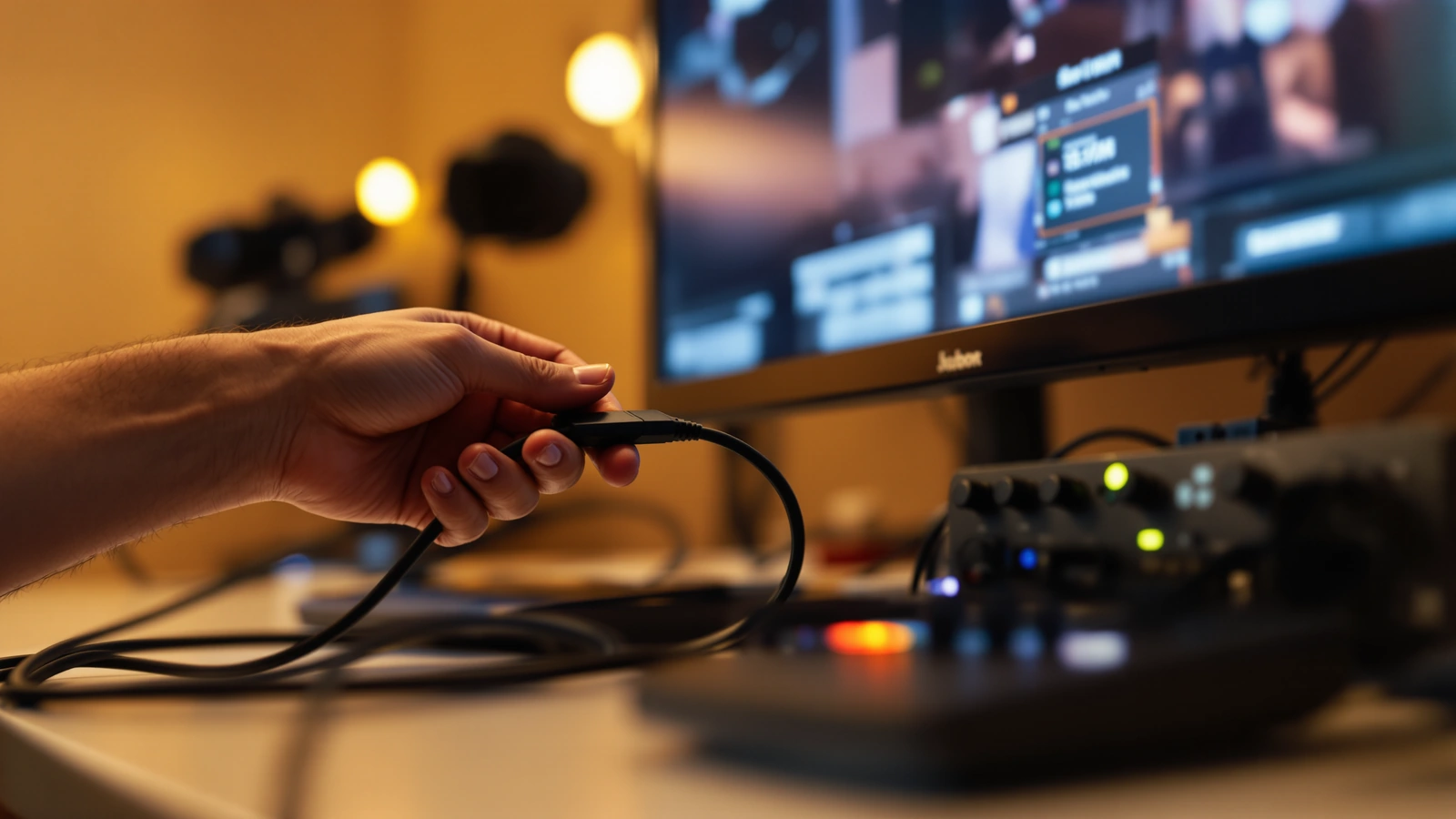
The stream that fails on Sunday morning almost always worked fine on Thursday. Someone tested a camera, saw a picture, heard sound through a pair of headphones, and reasonably concluded the system was ready. Then Sunday arrives, the room fills, the band is louder than the test, a cable got bumped during setup, and at 10:58 the volunteer is staring at a black preview while people settle into the pews. The gear is usually capable. What breaks is the gap between a system that worked once and a system that holds up under pressure, with a service starting whether or not the stream is ready.
We have helped a lot of churches through that first rough month, and the failures cluster around a handful of predictable points. None of them are about buying more expensive equipment. They come down to planning the signal path, protecting the audio, and giving the volunteer a setup that does not ask them to improvise live. Walk through these before your next Sunday and most first-stream disasters simply stop happening.
Sunday morning is a different test than the rehearsal
A weekday test happens in a quiet room with time to poke at settings, and that is exactly why it hides problems. On Sunday the room is full, the schedule is fixed, and the person running the stream is also greeting people, cueing slides, and watching the clock. Any step that requires real thought is a step that can go wrong when attention is split, so the point of planning is to move every decision you can out of the live service and into setup the day before.
The most useful planning question is not which camera or switcher to buy. It is who runs this, from where, with how much practice, and what they do when something stops working mid-service. A system designed around that question tends to survive Sunday, while a system designed around a spec sheet often does not, because the spec sheet never accounted for a nervous volunteer with three minutes to spare.
Audio is the first thing to break and the most damaging
Viewers forgive a soft or slightly dark picture far longer than they tolerate muddy sound, so a stream with lovely cameras and bad audio still feels broken to the person watching at home. First-time setups often pull audio from whatever source is easiest, a camera’s built-in microphone or a laptop input, which captures room echo, the person coughing nearby, and very little of the actual mix. The service ends up looking present but sounding distant.
The reliable path is a planned feed from your sound board into the switcher or computer, so the audio your online congregation hears is the same mix the room is built around. If your stream has ever sounded boxy, hollow, or far away, our walkthrough of why live stream audio sounds bad covers the usual culprits and the order to fix them. It also helps to monitor the actual stream output rather than headphones plugged into the camera, because what the camera hears and what the stream sends are often two different things, and you want to catch that difference before your viewers do.
Camera placement gets decided too late
Placement is often the last thing a first-time setup figures out, usually on a ladder an hour before the service, and that timing is where the trouble starts. A camera pushed to the very back of the room makes the platform feel small and the preacher distant, while a camera with no clear way to follow the speaker leaves the pastor drifting out of frame during the sermon. Deciding the angle and the mount early, with the real shot in mind, prevents the scramble.
For a first stream, a single well-placed camera that can reach the platform with optical zoom usually tells the story better than two cameras nobody has time to coordinate. Our guide to church camera placement and where to mount your cameras walks through sightlines, height, and how to keep the speaker framed without an operator glued to the camera. Get that one shot right and you remove a whole category of Sunday-morning panic before it can start.
Inputs that were never tested at Sunday settings
A black input fifteen minutes before service is one of the most common first-time failures, and it usually traces back to a video format the switcher was never shown during testing. HDMI is fussier than it looks, a presentation laptop can output an odd resolution the switcher cannot read, and a 4K camera left on its native setting will not display through a 1080p switcher. The Thursday test passed because it used a different source or a different setting than Sunday actually does.
The fix is to test every input exactly as it will be used live: the real camera, the real cable, the real laptop, set to a clean 1080p signal, with the same switcher layout your volunteer will see. A hardware switcher like the Blackmagic ATEM Mini Pro makes this more forgiving, because each HDMI input has its own built-in standards converter and the unit encodes and records on its own with no production computer in the loop, which the Blackmagic ATEM Mini product page lays out in detail. Watch out for protected content as well, since a clip played through a licensed streaming app carries copy protection the switcher will refuse to pass, showing up as a black input even when the cable is perfect.
The workflow asks one volunteer to do too much
Most first-stream failures are not really equipment failures, they are workload failures, because the setup expects a volunteer to make live decisions the system should have settled in advance. When one person has to find a camera angle by hand, hunt for the right input, and keep an eye on the audio all at once, something gets dropped, and it tends to get dropped at the worst possible moment. The goal is a service the volunteer mostly supervises rather than constantly steers.
Presets do most of that work. A camera that can store a wide shot and a tight shot, recalled with a single button, keeps live steering and its mistakes off the stream, and cameras with auto-tracking can follow a moving speaker on their own. Add labeled cables, a switcher layout that stays the same week to week, and a one-page run sheet for setup, and you have a workflow a first-time volunteer can run with real confidence. None of this is exotic, it is simply decided ahead of time instead of improvised while the countdown ticks.
Internet and recording assumptions nobody checked
A first setup often assumes the church internet is fine because email and browsing work, then discovers on Sunday that the upload speed cannot carry a clean 1080p stream while the building is full of phones on the same network. A solid 1080p picture generally wants several megabits of dependable upload, so it is worth running a real upload test from the exact spot where the stream will live, ideally during a busy time, before you trust it with a live service.
Recording is the other quiet assumption. If you want the sermon saved for later, decide in advance whether the switcher records to a drive, the computer captures a file, or you rely on the platform’s own archive, because finding out after the service that nothing was saved is a painful way to learn the difference. A setup that streams and records at the same time, with the recording planned rather than hoped for, takes that regret off the table.
Plan for the moment something fails, not just the setup
Even a well-built system will have an off week, so the difference between a calm volunteer and a panicked one is whether they know the recovery steps before they need them. A short, written plan for the three or four things most likely to go wrong, a frozen stream, a dropped input, lost audio, turns a crisis into a checklist. Knowing how to restart the stream, reseat a cable, or switch to a backup shot keeps a stumble from becoming a dead broadcast.
This is also where having a partner after the sale matters more than any single spec. Much of a modern PTZ system can be checked and reconfigured remotely once the cables are connected, so a settings problem that would strand a volunteer can often be sorted out over a screen share in a couple of minutes. A first-time team should never feel like they are alone with a black screen and a full room.
The setup that removes most of these failures before Sunday
When the pieces are bought separately, the failure points multiply, because a camera, a switcher, a cable, and an audio feed sourced from four different places each carry their own chance of not matching on Sunday morning. A matched kit closes most of that gap before the boxes even arrive, since every part is chosen to work with the others and the workflow stays consistent from the first cable to the live button. You still practice, but you start from a known-good path instead of assembling one against a deadline.
For a first-time church stream, the Move-SE 1-camera kit with the ATEM Mini Pro is where we usually point people, because it pairs a single PTZ camera with presets and auto-tracking to a switcher that encodes and records on its own, which is exactly the low-decision setup a volunteer can run alone. A church that wants the simplest possible starting point can look at the 1-camera live streaming starter kit, while a church that already expects to grow into a second angle can begin with the Move-SE 2-camera kit with the ATEM Mini Pro so the upgrade path is built in from the start. If you would rather understand the whole picture first, our guide to building a church live stream setup from scratch and our overview of the simplest church live streaming setup are good companions before you choose.
A first Sunday goes sideways far more often because of a system that asked too much, too late, of the people running it than because of any weakness in the gear. Plan the signal path, protect the audio, test the inputs the way Sunday will use them, and lean on presets and a matched kit to take decisions off the volunteer. Do that and your first stream becomes what it should be, a quiet part of the service that simply works. Tell us your room and who will run it, and we will help you put together a Move-SE 1-camera kit with the ATEM Mini Pro that holds up when the room is full.