
ChurchSetup kit review for churches that want fewer buying mistakes

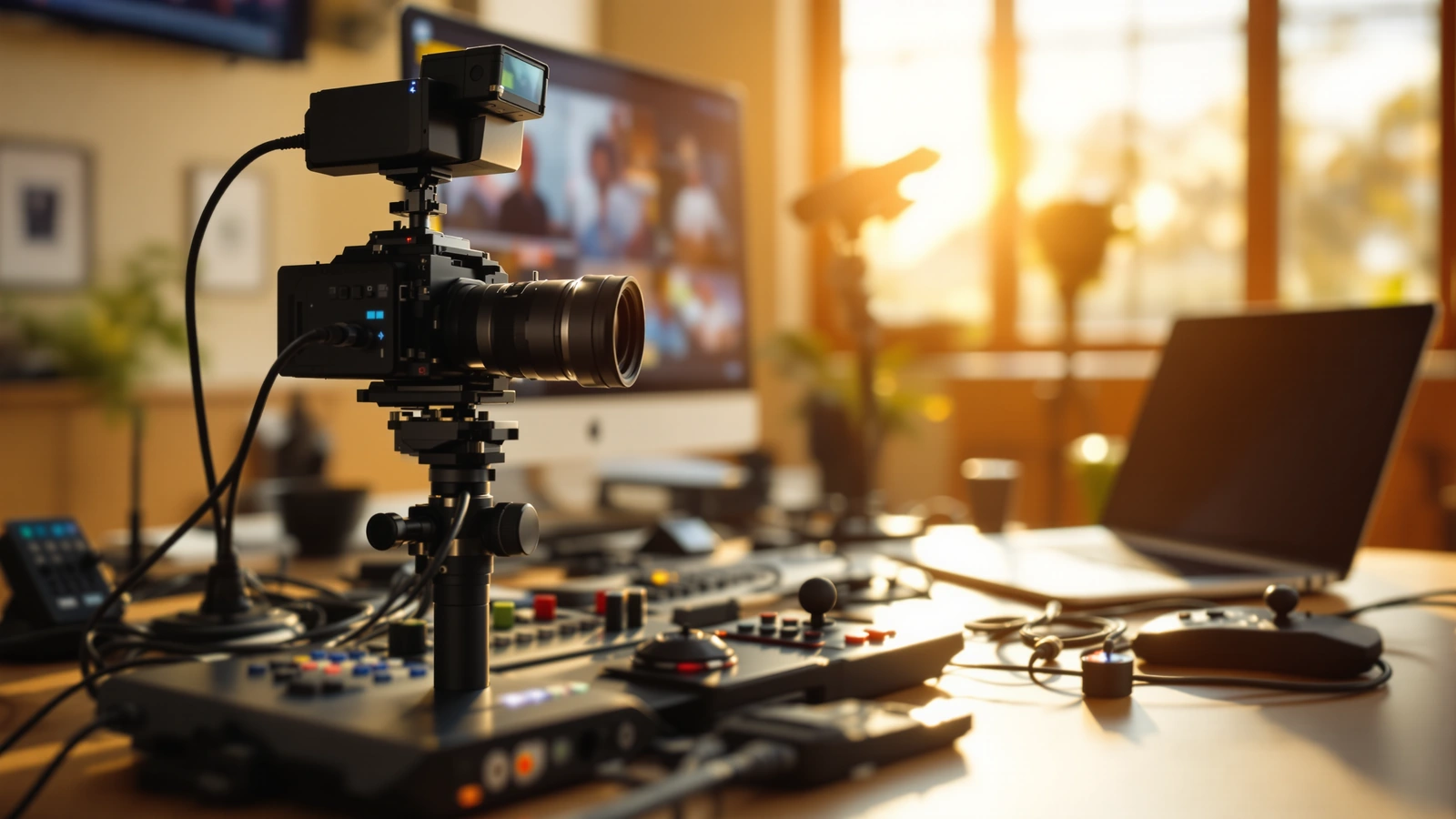
Most of the buying mistakes we see in church livestreaming are not about choosing a bad camera. They are about choosing a good camera that does not get along with the switcher, or a switcher with one fewer input than the church will want in a year, or a pile of parts from five sellers that turns into a Saturday-night puzzle nobody can solve before the first service. So the fair question to ask about our kits is not whether the gear inside is impressive. It is whether buying the system as a kit actually saves you from the mistakes that cost churches time, money, and a few stressful Sundays.
This is our own product, so take the framing for what it is. What we can do honestly is tell you what is in the kits, where they fit well, where they do not, and which church should buy which one, so you can decide whether the kit model solves a problem you actually have. We build and support these systems every week, and we would rather you buy the right size once than the wrong size twice.
What a ChurchSetup kit actually is
A kit is a complete streaming workflow, not a single device. Each one pairs one or more PTZ cameras with a hardware switcher, the cabling and power approach to connect them, and the configuration help to make them behave as one system. The idea is that you receive the parts the workflow needs and nothing it does not, so you are not left guessing whether the camera you bought will hand a clean signal to the switcher you bought.
The reason this matters is that a livestream is a chain. Camera, audio, switching, encoding, streaming, and internet all have to connect, and a weak link anywhere shows up as a frozen picture or muddy sound at the worst possible moment. When you assemble that chain yourself from separate purchases, every junction is a place a mistake can hide. A kit closes those junctions before the box ships, which is the whole point. The value is not the individual parts so much as the fact that the relationships between them are already solved when the boxes arrive.
The cameras inside the kits
Our most popular kits are built around PTZOptics Move-SE and Move 4K cameras, and the reason is that they fit church rooms and church volunteers well. The Move-SE is a 1080p PTZ camera with HDMI, SDI, USB, and IP outputs and built-in auto-tracking, available in 12x, 20x, and 30x zoom so you can match the zoom to how far the camera sits from the platform. A camera at the back of a long sanctuary wants more zoom reach than one tucked near the stage, which is exactly the kind of fit decision a kit helps you get right the first time.
The Move 4K steps up to a 4K sensor at up to 60fps with native NDI|HX, PoE+, a built-in tally light, auto-tracking up to 300 feet, and a five-year warranty, according to PTZOptics’ Move 4K product page. One honest note worth understanding: when a 4K camera is paired with an ATEM Mini Pro, the switcher works in HD, so the picture you stream is 1080p even though the camera can capture 4K. That is not a flaw, it is just how the switcher works, and for many churches an HD stream from a 4K camera is the right balance of quality and simplicity. The 4K headroom still buys you better low-light performance and the option to record higher quality for editing later. Our favorite PTZ camera choice for churches and nonprofits goes deeper on why these cameras suit the room.
The switcher that makes it runnable
The piece that decides whether a volunteer can run the system calmly is usually the switcher, and most of our kits center on the Blackmagic ATEM Mini Pro. It takes up to four cameras over HDMI, mixes your audio, records to a USB drive, and streams directly to a platform over Ethernet, all without a computer in the chain. You can confirm those capabilities on Blackmagic’s ATEM Mini product page. Removing the computer removes a whole category of Sunday-morning risk, because there is no laptop to update, no encoder setting to second-guess, and no driver that quietly breaks after a software update.
The four-input limit is worth flagging plainly, because it shapes which kit fits. Four HDMI inputs means the ATEM Mini Pro comfortably handles up to four cameras, and a church that knows it wants five or more angles eventually should look at a larger switcher like the ATEM Mini Extreme from the start, so the room to grow is built in. That is the kind of detail that turns into a buying mistake when you shop part by part and a non-issue when you buy the kit sized for where you are heading. If you are weighing switcher options broadly, our rundown of the best video switchers for churches puts the ATEM Mini Pro in context with the alternatives.
Where the kits fit best
These kits fit a church that can mount a bracket and pull a cable but does not have a broadcast engineer on staff to configure everything afterward. That is the heart of the model: your job is the physical part, and the configuration that makes the system feel finished is something we can handle remotely once the cables are connected. A church with willing volunteers and limited technical depth is exactly who this is built for, and it is why so much of what we sell is a kit rather than a camera by itself.
They fit especially well when volunteers rotate, because PTZ cameras with saved presets let one operator recall a wide shot, a podium shot, and a worship-team shot from a single seat, so a multi-angle service does not require a multi-person crew. A church that wants a more watchable service without adding bodies behind cameras is the clearest fit of all. Our explanation of why PTZ cameras suit churches running both in-person and online services covers that staffing logic in full.
Where a kit is not the right answer
Honesty cuts both ways, so here is where a kit is the wrong tool. If your church wants full on-site installation and does not want to touch a cable or a bracket at all, a local integrator who quotes a complete done-for-you job may suit you better, even at a higher price, because that price is buying the labor and the on-site presence our model intentionally leaves to you. There is nothing wrong with wanting that, it is simply a different service.
A kit is also not the right answer if you need highly customized broadcast engineering, guaranteed on-site service contracts, or a heavily integrated system tied into existing infrastructure that needs an engineer in the room. Our kits are designed to be operable by volunteers and supportable remotely, and stretching them to cover a true broadcast-engineering job would not serve you well. Knowing that boundary up front is itself a way to avoid a buying mistake, because the most expensive mistake is buying a system aimed at the wrong kind of church entirely.
Support is part of what you are buying
The part of a kit that does not show up in a spec sheet is the support, and for churches trying to avoid mistakes it is often the most valuable part. Because so much of the configuration can be done remotely, a kit comes with help getting it running rather than a box and a wish of good luck. That can mean a remote session to set camera IP addresses, dial in exposure, save your presets, and get your stream key into the right field, the exact fiddly steps that send so many do-it-yourself setups off the rails.
This is the difference our customers tend to mention most, and it is worth weighing alongside the gear. A camera and a switcher from separate sellers leave you to solve the integration alone, while a kit treats getting it working as part of the purchase. Support terms can change over time, so confirm the current details with us before you count on a specific level, but the philosophy is steady: the help is part of the product, not an afterthought. Our piece on the easiest way to live stream by pushing one button shows the kind of simple, supportable workflow that thinking produces.
Which kit should your church buy
The mistake to avoid here is buying by enthusiasm instead of by room, so match the kit to your actual space and team. A smaller room with one good angle, a tight budget, and volunteers who want the simplest possible Sunday is well served by the Move-SE one-camera kit with the ATEM Mini Pro, which is also our most popular kit by a wide margin precisely because it fits so many churches cleanly.
When you want a second angle, to cut between a wide shot and a closer one, the Move-SE two-camera kit with the ATEM Mini Pro adds that coverage on the same familiar workflow, so your volunteers are not learning a new system. And if your room is large or dim, or you want the headroom of a 4K sensor and better low-light performance, the Move 4K two-camera kit with the ATEM Mini Pro is the natural step up.
If you are still deciding what size your room calls for, the best next move is to start with the kit that matches the angles you want today and the team you actually have. The Move-SE one-camera kit with the ATEM Mini Pro is the low-pressure place most churches begin, and it leaves a clear path to add cameras later without starting over. Pick the fit, not the spec sheet, and the buying mistakes mostly take care of themselves.