
Why adding more cameras can make a church stream harder to run

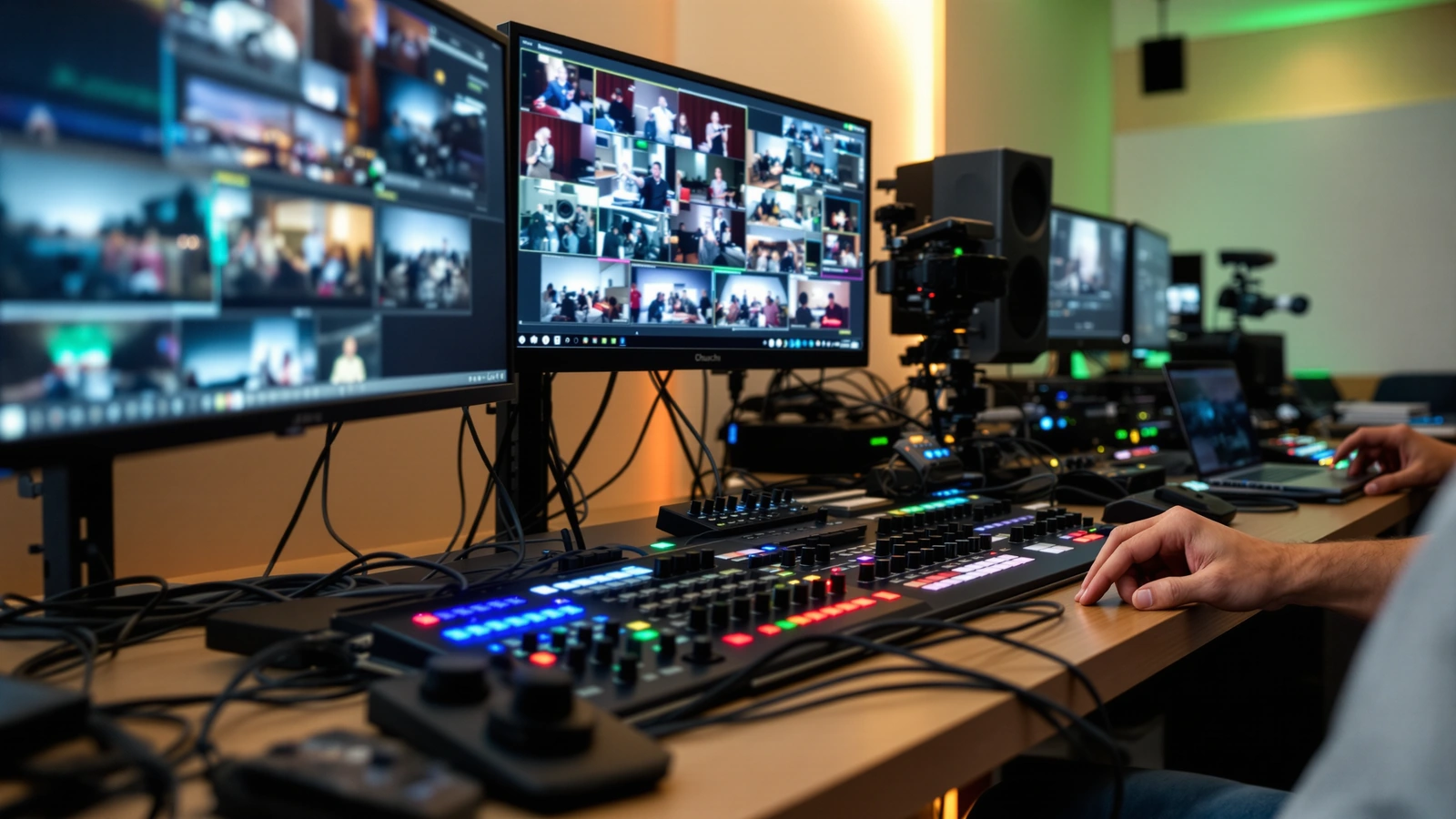
A church we talked with had just gone from two cameras to four, expecting their stream to look more like television. Instead, the volunteer who used to run the service comfortably now sat behind four angles, a switcher with more buttons, and a multiview full of feeds, and the cuts got jumpier rather than smoother. The cameras were good. The setup was sound. What changed was the number of decisions one person had to make every few seconds, and that is the part of adding cameras that rarely shows up in the excitement of buying them. We want to be honest with you about that operational load, because understanding it is what lets a larger system actually pay off instead of sitting half-used.
More cameras can absolutely make a stream better. They can also make it harder to run, and those two things are true at the same time. The goal of this article is to help you tell which situation you are walking into, so the angles you add serve the viewer rather than overwhelm the person at the controls.
Every camera you add is another live decision
The hidden cost of an extra camera is not the camera. It is the choice the operator now has to make about when to use it. With two cameras, a volunteer is mostly alternating between a wide shot and a closeup, which is a rhythm almost anyone can find within a service or two. With three or four, the operator is constantly deciding which angle tells the story right now, whether the framing on the camera they are about to cut to is actually correct, and whether the next move will look intentional or accidental. That mental load compounds, because each cut also requires trusting that the unseen cameras are framed and ready.
This is why a more capable system can produce a worse-looking stream in its first months. The gear is not the bottleneck; the operator’s attention is. A clean two-camera service often beats a frantic four-camera one, not because four cameras are wrong, but because the team had not yet grown into the number of decisions four cameras demand. If you are weighing whether to make that jump, our look at church camera placement and where to mount your cameras is a useful way to think about whether each new angle has a real job to do.
Framing four angles is four times the chance of a bad shot
PTZ cameras solve the staffing problem by letting one person move every angle from a single seat, but they introduce a framing problem that scales with count. A camera you are not currently watching can drift out of position, sit on the wrong preset, or end up zoomed too tight without anyone noticing until it is cut to live. With two cameras, that risk is small and easy to keep an eye on. With four, the operator is essentially keeping four shots correct while only ever looking at one, which is genuinely harder and is the most common reason an extra camera makes a service feel less polished rather than more.
Presets are the antidote here, and they matter more the more cameras you run. When the pulpit, the worship leader, and a wide establishing shot are each saved as a recallable preset on every camera, the operator stops freehand-aiming and starts calling up known-good framings. That turns a four-camera service from four constant aiming jobs into a set of buttons that snap to the right shot. The PTZOptics cameras in our kits, including the Move-SE and Move 4K, support exactly this preset workflow, which is part of why we lean on them when a church is scaling up its angle count.
More inputs means a switcher with more to manage
The switcher is where camera count quietly turns into complexity. A four-input ATEM Mini Pro keeps a two-camera or three-camera service close to a push-button experience, which is part of why it remains such a comfortable starting point. When you move to four cameras plus graphics and an in-house screen, you step into the ATEM Mini Extreme, which carries eight HDMI inputs, multiview, multiple outputs, and SuperSource. That added capability is genuinely useful, and it is also more surface area for a volunteer to learn.
None of that makes the Extreme the wrong choice. For the right room and team it is the better choice, because it gives the operator a real multiview to see every camera at once and the outputs to feed in-house screens without compromise. The point is simply that a bigger switcher rewards a team that has time to learn it. If you want to understand where each switcher lands before you size up, our comparison of the best video switchers for churches walks through the trade-offs in plain terms.
The setup itself gets more involved
Adding cameras adds physical work that is easy to underestimate. Each PTZ camera needs its own Power over Ethernet run back to a network switch with enough power per port, and the Move 4K in particular draws PoE+, so the switch has to be sized for it. A fourth camera often lives somewhere new in the room, which means a longer cable pull, a new mounting point, and one more position to keep in sync. None of this is hard once it is done, but it is more of it, and more places for a loose cable or a tired mount to cause a Sunday-morning scramble.
The encouraging part is that the configuration side does not scale the same way the cabling does. Once the runs are in and the cameras are on the network, most of the setup can be handled remotely, which is the core of how we support churches. You run the cables; we help get the cameras, presets, and switcher dialed in. That keeps the growth in physical complexity from turning into a growth in things you have to figure out alone.
When more cameras is the right call anyway
For the right room and the right team, more cameras is exactly what the stream needs, and holding back would shortchange the viewer. A large sanctuary where the back wall is sixty or eighty feet from the platform genuinely benefits from multiple angles, because a single view cannot give both the room and a usable closeup. A service with a full worship team, a choir, frequent baptisms, or moving presenters has more story to tell than two cameras can cover well. In those rooms, a four-camera system is not overkill; it is the honest match to what is happening on the platform.
The deciding factor is the team, not just the room. A church with two or three reliable volunteers who enjoy the production and have time to practice will grow into a four-camera workflow and love it. A church running on one tired volunteer each week may get more faithful results from fewer angles run well. Both are good outcomes, and a larger kit is a great fit for the church that has, or is building, the team to run it. If you are growing toward that, the Move-SE four-camera kit with the ATEM Mini Extreme is built for exactly that scaling, with the inputs and outputs to support a real multi-camera service.
How to add cameras without adding chaos
The smoothest path to more cameras is to grow the workflow before you grow the angle count. Get your presets dialed in on the cameras you already have, so the team is fluent in recalling known framings rather than aiming live. Let one volunteer own the production long enough to find a rhythm, then add an angle that has a clear, repeatable job, such as a fixed worship-team wide or a dedicated pulpit closeup. Adding a camera that maps to a specific shot the operator already wishes they had is very different from adding a camera because the kit came with one.
It also helps to lean on the tools that reduce decisions rather than multiply them. Auto-tracking on the Move-SE and Move 4K can take a moving presenter off the operator’s plate, letting one camera follow the pastor while the operator concentrates on cutting between the rest. That is a way to gain coverage without gaining a live aiming job, which is precisely the kind of growth a small team can absorb. Our broader take on getting more from a system you already own, in building a church video production setup on a budget, follows the same idea of upgrading the workflow before the hardware.
If your room and your team are genuinely ready for more angles, the right next step is to look at a kit built to scale cleanly rather than cobbling cameras onto a switcher that is already full. The Move 4K three-camera kit with the ATEM Mini Pro is a measured way to add a third angle while keeping the control surface familiar, and the Move-SE four-camera kit with the ATEM Mini Extreme is there when your team is ready for the full multi-camera step. Either way, the system should match the people running it, and that is a decision worth making on purpose.