
Blog
How much does a three-camera or four-camera church streaming system cost

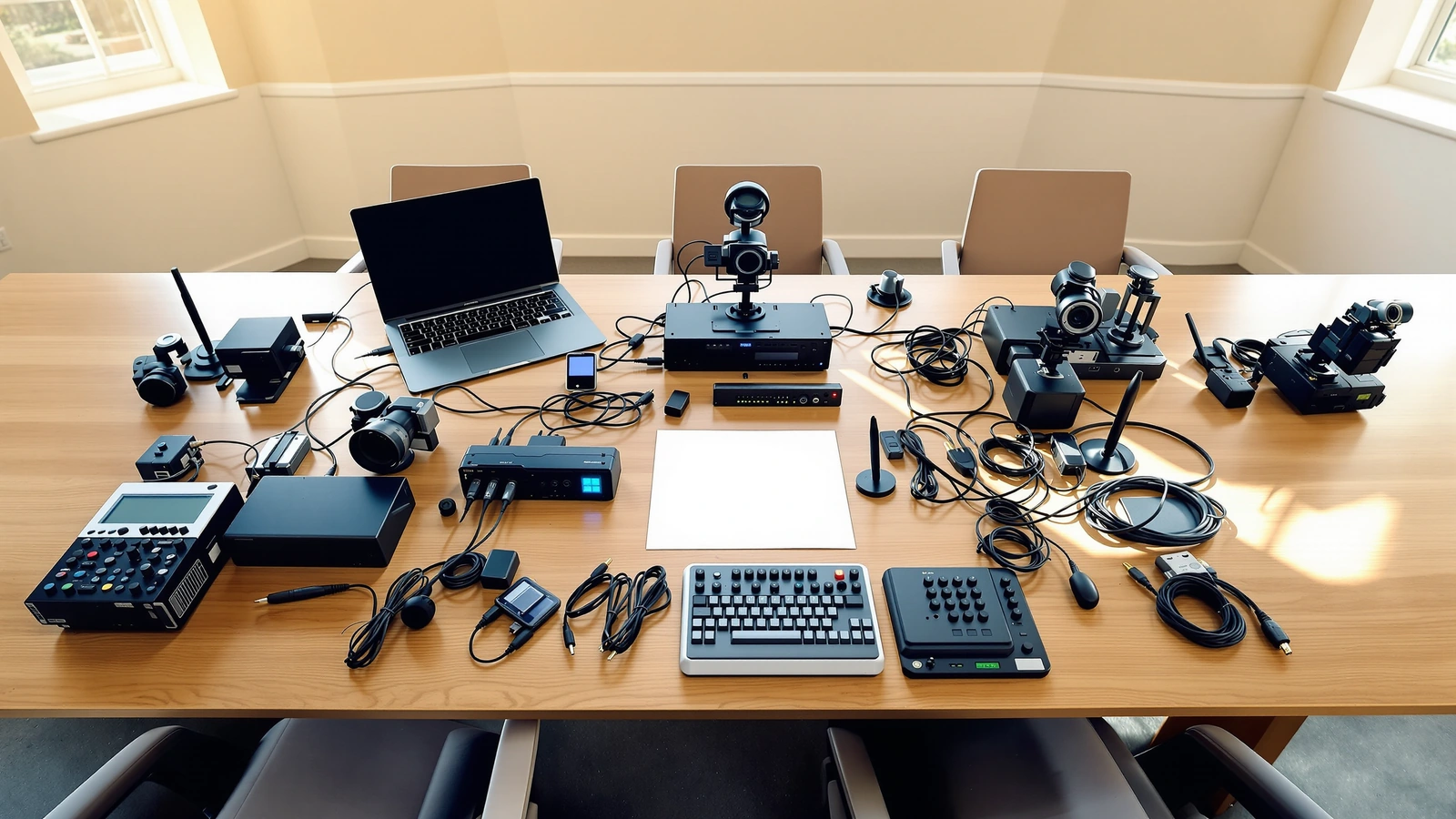
When a church starts pricing out a three-camera or four-camera streaming system, the first number that gets quoted is almost never the number that matters. A single camera has a sticker price, and that feels easy to reason about. A multi-camera system is a chain of parts that have to work together every Sunday, and the real cost lives in how those parts add up: the cameras themselves, the switcher that brings them all into one program feed, the cabling and power that connect them, the mounts that put them where they need to be, and the control surface a volunteer will actually touch. We want to walk you through what each piece costs and why, so the figure you land on is one you can plan a budget around instead of a guess that surprises you later.
We build these kits for churches every week, so the ranges below come from real systems we ship, not a spec-sheet exercise. Prices on individual components do move, so treat the numbers here as planning ranges and confirm the current total on the kit page before you commit.
What you are actually paying for in a multi-camera system
A three-camera or four-camera system is five things working as one. The cameras capture the angles, the switcher combines them into a single broadcast, the network and power deliver signal and electricity to each position, the mounts hold everything steady, and a controller lets one person move the cameras and cut between them live. When you see a kit price, you are seeing all of that bundled, which is why a four-camera kit is not simply twice the cost of a two-camera kit. The cameras scale roughly with count, but the switcher, the control surface, and the network gear often stay the same whether you run three cameras or four.
That bundling is also why a kit usually lands well below a quote from a local integrator for similar hardware. The difference is rarely the gear itself. It is labor, on-site configuration time, and markup, and a kit shifts most of the configuration to remote setup after you run the cables. We get into that comparison more in our breakdown of how much a church livestream setup costs in 2026, which is a good companion to this article if you are still deciding on a camera count.
The cameras: where most of the difference between three and four lives
The camera line you choose sets the floor for the whole system, because everything else is built to support it. Most churches we work with land on PTZ cameras for multi-camera streaming, since a single volunteer can pan, tilt, and zoom every angle from one seat instead of staffing a person at each camera. Within that, the two families that fit the widest range of rooms are the PTZOptics Move-SE and the Move 4K.
The Move-SE is a 1080p60 PTZ camera available in 12x, 20x, and 30x zoom, with a Sony sensor and auto-tracking, and it tends to be the most cost-effective way to get a clean, supportable multi-camera look. The Move 4K sits a step up, capturing up to 4K at 60fps with a newer sensor, stronger low-light performance, PoE+, a built-in tally light, and a five-year warranty from PTZOptics. Adding a fourth camera adds roughly one camera’s cost to whichever family you pick, so the gap between a three-camera and a four-camera system is, more than anything, the price of that one extra camera plus its mount and cabling.
The zoom range you choose matters as much as the count, and it should be tied to how far the camera sits from the platform rather than to a bigger-is-better instinct. A camera at the back of a deep sanctuary needs the reach of a 30x to pull a usable closeup, while a camera tucked closer to the stage may do everything you need at 12x or 20x. If you want to think through which cameras fit your room before you price the system, our guide to the best PTZ camera for church walks through that decision in more depth.
The switcher: a fixed cost that the camera count decides
The switcher is the part of the system that quietly determines whether you can even run three or four cameras, because its input count is a hard limit. The Blackmagic ATEM Mini Pro has four HDMI inputs, so it cleanly handles a three-camera system with a graphics or lyrics feed left over, and it can run a four-camera system if every input is a camera. It is a strong floor for hardware streaming because it encodes and records on its own, with no computer in the chain, and it currently sits around 325 dollars from Blackmagic.
When you want a fourth camera and still have room for a ProPresenter feed, an in-house screen output, or a multiview monitor for the operator, the ATEM Mini Extreme is the better fit. It carries eight HDMI inputs, multiview that can show every camera at once, multiple outputs, and SuperSource, which is why our four-camera kits are built around it. The Extreme costs several hundred dollars more than the Pro, and that step is the main reason a four-camera kit with headroom prices above a four-camera kit that runs the Pro at its limit. Neither is better in the abstract; the Pro fits the church that wants the simplest possible four-input box, and the Extreme fits the church that wants inputs and outputs to spare. If you are weighing the two, our comparison of the ATEM Mini Pro for church live streaming lays out where each one lands.
Cabling, power, and network: the line item churches forget
The cost that catches most churches off guard is not a camera or a switcher. It is everything that connects them. PTZ cameras run on Power over Ethernet, which means each camera needs a network run back to a PoE switch, and that switch has to deliver enough power per port, especially for the Move 4K, which draws PoE+. A three-camera system needs three of those runs; a four-camera system needs four, plus the longer cable lengths that come from putting a fourth angle somewhere new in the room.
HDMI from the switcher position, a PoE network switch sized for your camera count, mounting hardware for each camera, and a controller all belong in the budget from the start. A kit folds these in so you are not discovering them one Amazon order at a time, but it helps to know they are part of why a complete system costs what it does. The good news is that once the cables are physically run, most of the configuration can be handled remotely, which keeps the labor side of the cost down.
Control: the part that decides whether the system gets used well
A multi-camera system lives or dies on whether the person running it can move the cameras and cut the show without panicking. For three or four PTZ cameras, that usually means a joystick controller so one volunteer can recall presets for the pulpit, the worship leader, and a wide shot, then switch between them on the ATEM. The controller is a modest line item next to the cameras, but it changes the weekly experience more than almost anything else, because presets let a less experienced volunteer produce a clean service without freehand camera work.
Auto-tracking, which both the Move-SE and Move 4K include, can take one of those cameras off the operator’s plate entirely by following a presenter who moves across the platform. That does not replace thoughtful production, and it works best paired with good placement and enough optical zoom, but it is part of why a modern multi-camera kit is more approachable for a small volunteer team than it would have been a few years ago.
Putting a realistic range on a three-camera system
A three-camera system built around the Move-SE and an ATEM Mini Pro is the value sweet spot for most churches that want real multi-angle coverage without stepping into 4K. You get three controllable angles, a switcher that encodes and records on its own, and a control workflow a volunteer can learn in an afternoon. Because the Pro handles three camera inputs cleanly while leaving a fourth input for graphics, this is often the most efficient way to spend the money. You can see exactly what is included on the page for the Move-SE three-camera kit with the ATEM Mini Pro.
If you want the same three angles with more image headroom, the Move 4K three-camera kit with the ATEM Mini Pro steps the cameras up to 4K capture and stronger low-light performance. Remember that the ATEM Mini Pro is a 1080p device, so the stream itself stays 1080p even with 4K cameras feeding it. The benefit of 4K here is a cleaner downsampled image and room to grow, not a 4K broadcast. Across the PTZOptics families, a complete three-camera kit generally lands in the low-to-mid four figures, with the Move 4K version sitting toward the upper end of that band because of the camera step-up.
Putting a realistic range on a four-camera system
A four-camera system answers a specific room: a larger sanctuary, a balcony or side angle that a three-camera layout cannot reach, or a service with enough moving parts that a fourth perspective genuinely helps the viewer follow along. The natural foundation is the ATEM Mini Extreme, because eight inputs give you four cameras plus a graphics feed, an in-house screen, and a multiview for the operator without running out of room. The Move-SE four-camera kit with the ATEM Mini Extreme is built exactly this way and is a strong fit for a growing church that wants its production to scale with its room.
For a church that wants the best image its budget allows across all four angles, the Move 4K four-camera kit with the ATEM Mini Extreme pairs four 4K cameras with the Extreme’s full input and output flexibility. A complete four-camera kit usually lands in the mid four figures and up, driven by the extra camera, the longer cable runs, and the step from the Pro to the Extreme. The jump from three cameras to four is meaningful, so it is worth being honest with yourself about whether the fourth angle serves the viewer or simply adds a box to manage.
How to decide what to actually spend
The cleanest way to set your budget is to start from what you want the viewer to see and hear, then let the camera count follow from that. A church that mostly needs a wide establishing shot and a close shot of whoever is speaking can do beautiful work with fewer angles, while a church with a full worship team, a choir, and frequent special elements has a real case for a fourth camera. The cost question is downstream of the coverage question, and answering coverage first keeps you from buying angles you will not use or wishing you had bought one more.
It also helps to budget for the team, not just the gear. A system your volunteers can run faithfully every week is worth more than a more expensive system that intimidates the people who have to operate it. That is the same principle behind our advice on building a church live stream setup from scratch, where the right purchase is the one that fits the ministry’s weekly reality rather than the biggest spec sheet you can afford.
If you are ready to put real numbers next to a real room, the most useful next step is to look at a complete kit and see everything that is included in one total. The Move-SE three-camera kit with the ATEM Mini Pro is where most churches start when they want full multi-camera coverage at the friendliest price, and it is an easy, low-pressure way to see exactly what a three-camera or four-camera system costs once every part is accounted for. If your room is larger or you expect to grow, compare it against the Move-SE four-camera kit with the ATEM Mini Extreme and let the room tell you which one fits.