
Blog
ATEM Mini Pro vs. software switching for church livestreams

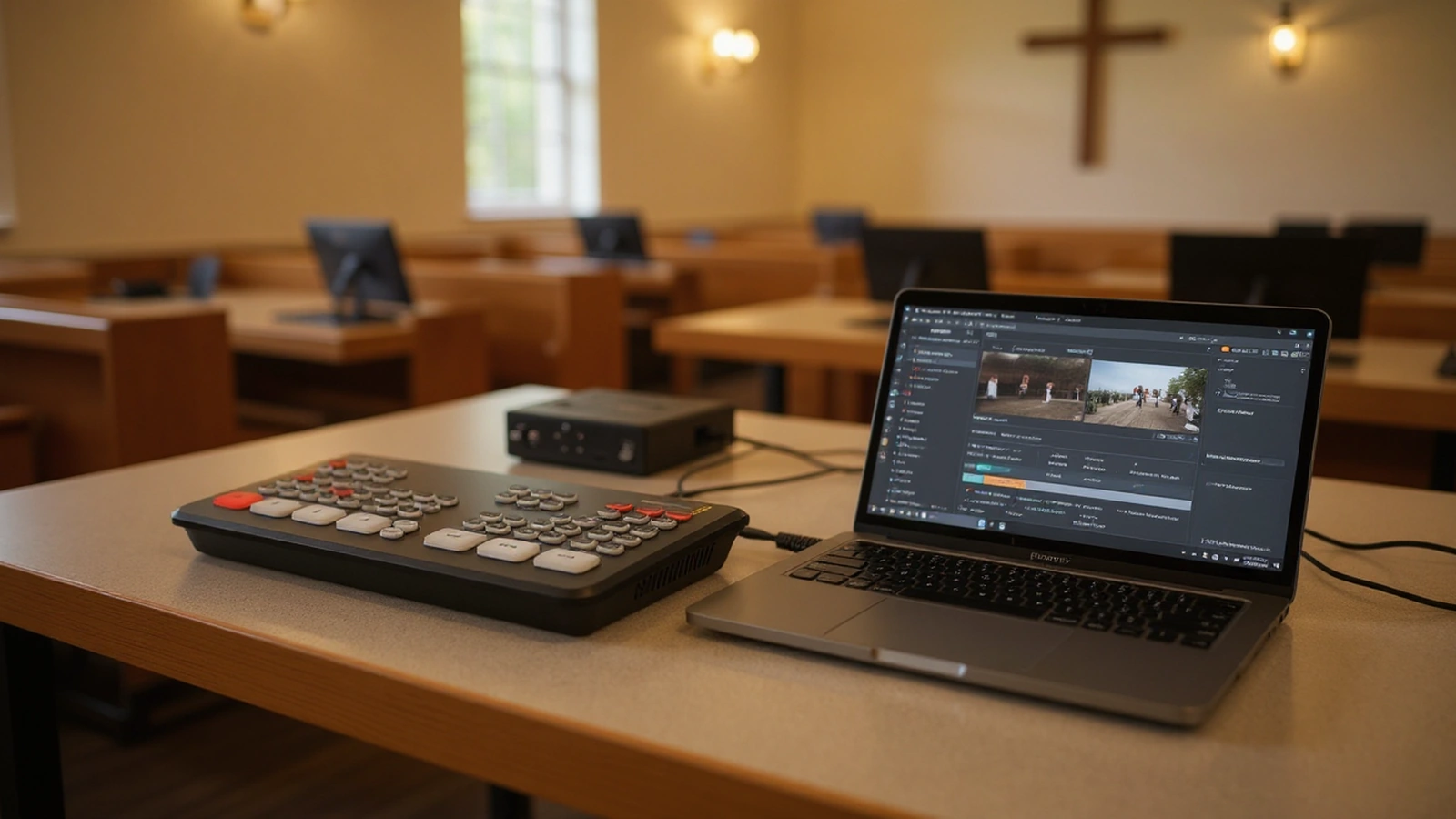
Most churches arrive at this question after a few months of running their stream on a computer, when a frozen scene or a mid-service crash has them wondering whether a dedicated box would be steadier. The choice between the ATEM Mini Pro and software switching is not really hardware against software, it is a question of what your Sunday actually demands and who is going to run it.
We have set up both approaches in real rooms, and each one is the right answer for a different church. This post lays out where a hardware switcher earns its keep, where software switching genuinely shines, and how to read your own situation so you choose the one that will still be working a year from now.
What each approach actually is
A hardware switcher like the ATEM Mini Pro is a self-contained box. Your cameras plug into its four HDMI inputs, you press a button to cut between them, and the box itself encodes the stream and sends it out over an ethernet cable to YouTube or Facebook while recording to a USB drive. The whole production lives in dedicated hardware that does one job, so there is no operating system to update mid-week and no software window to accidentally close.
Software switching runs that same production inside a program on a computer, most often OBS Studio. Your cameras come in through capture devices, you build scenes and arrange sources inside the software, and the computer does the switching and the encoding. The flexibility is enormous, because a scene can hold cameras, slides, lower-thirds, videos, and images layered however you like, but that power rides on the computer staying healthy under load.
Where the ATEM Mini Pro is the better fit
The hardware approach tends to win when reliability and simplicity matter more than layered graphics, which describes a great many churches. A volunteer who arrives, powers on the box, and presses lighted buttons to switch cameras is far less likely to be derailed by a software update, a driver conflict, or a laptop that decided to install patches overnight. Because the streaming engine is built into the ATEM Mini Pro, you also do not need an expensive computer just to encode a clean signal, so one modest piece of hardware replaces a capable PC.
This fit gets stronger the more you lean on a single, repeatable Sunday routine. A church that wants two or three camera angles, a clean board feed for audio, and a stream that starts the same way every week is exactly who the box was built for, and our Move-SE 2-camera kit with the ATEM Mini Pro pairs that hardware with PTZ cameras a single operator can run from presets. When the goal is for a different volunteer to be able to step in next month without a training session, the predictability of hardware is hard to beat.
There is one limitation worth naming honestly, framed as a fit rather than a flaw. The ATEM Mini Pro has four HDMI inputs, which suits the camera counts most churches actually use, and when connected to a computer over USB it presents itself as a single webcam feed rather than separate camera sources. For a church that needs more inputs or wants to drive both an in-house screen and a multiview at once, the ATEM Mini Extreme exists for exactly that reason, and our look at the best video switchers for churches walks through where each model fits.
Where software switching genuinely shines
Software earns its place when your stream needs to do more than cut between cameras, because a program like OBS can layer and combine sources in ways a compact hardware switcher is not built for. If you regularly drop in full-screen sermon videos, animated lower-thirds with names and titles, announcement loops, and pre-service and post-service slides, software gives you a single canvas to stage all of it and switch between rich scenes rather than bare inputs.
It also flexes when your situation is unusual. A church streaming to several platforms with different overlays, mixing in a remote speaker over a video call, or building scenes that combine a camera with a screen-share will find that software bends to those needs where dedicated hardware would need extra boxes. The trade-off is that all of this leans on a healthy, reasonably powerful computer, and on someone comfortable enough in the software to fix a misrouted source or a muted audio track when something drifts. Our guide to building a church video production setup on a budget covers how to get that flexibility without overspending on the machine.
Software is also forgiving in a different way than hardware. Because scenes are saved layouts, a church with a confident operator can pre-build everything for a service in advance and simply move through it, which can make a complex Sunday feel calm. The catch is the word confident: that operator, or a documented setup the next person can follow, is the thing that keeps a software rig reliable.
The reliability question, looked at squarely
Reliability is usually the heart of why a church asks this question, so it deserves a fair reading on both sides. Hardware is steadier mostly because it does less and changes less. A box with one job and no general-purpose operating system has fewer ways to surprise you on a Sunday morning, which is why we so often reach for the ATEM Mini Pro when a church tells us a volunteer with limited time needs to run the whole thing alone.
Software is not unreliable, but its reliability is something you maintain rather than something you buy. A dedicated, well-specified computer that is kept off the public internet, has automatic updates controlled, and is not used for anything else can run OBS for years without drama. The risk shows up when the streaming computer is also the office laptop, or when updates and background apps are left to their own devices, because that is when a service gets interrupted by something that had nothing to do with the stream.
It does not have to be either-or
One of the most useful things to understand is that the ATEM Mini Pro and software can work together, which dissolves a lot of the supposed conflict. The switcher has a USB-C output that presents its program feed to a computer as a webcam source, so you can do all your camera switching on the reliable hardware and still bring that single clean feed into OBS to add graphics, manage multiple platforms, or layer in videos and slides.
That hybrid keeps the part that must not fail, the live camera cut, on dedicated hardware, while letting software handle the parts where flexibility helps. A church can also start fully on hardware for simplicity and add software later as its team grows into graphics and richer scenes, without throwing away the original investment. The Move-SE 1-camera kit with the ATEM Mini Pro is a sensible foundation for exactly this kind of staged growth, because the box that streams on its own today can feed a computer tomorrow.
Reading your own situation
The cleanest way to choose is to be honest about three things: who runs the stream, how complex your Sunday needs to look, and how much margin for error you have. A church where a rotating cast of volunteers needs to push a few buttons and walk away is squarely hardware territory, and the predictability is worth more than any feature a computer could add. A church with a steady, capable operator who wants layered graphics and multi-platform flexibility will get more from software, provided the computer is treated as production equipment rather than a shared laptop.
Most churches we work with land on hardware first because their real need is a service that goes online cleanly and starts the same way every week, and they add software complexity only when a genuine need for it appears. If that sounds like you, the simplest path is a matched hardware kit and the freedom to grow into a hybrid later. Our deeper look at the best ATEM Mini Pro live stream setup for churches shows how those pieces come together at each stage.
A sensible next step
If your priority is a stream that simply works on Sunday with the least possible fuss, start with the hardware and keep the door open to software down the road. The Move-SE 1-camera kit with the ATEM Mini Pro gives a single-camera church a reliable, button-press production, and the Move-SE 2-camera kit with the ATEM Mini Pro adds the second angle that makes a service feel produced, both with the option to feed a computer later when you want graphics.
Tell us how your team is staffed, how many angles your room needs, and whether you picture adding lower-thirds and videos down the line, and we will help you choose between a pure hardware kit and a setup ready to go hybrid. The right answer is the one your actual volunteers can run with confidence, and that is the lens we will use to point you to the kit that fits.